Espacio de trabajo de imágenes para citas
Solo fotos de adultos autorizadas · Vista previa de UI, la subida aún no está conectada
Subir imágenes (optional)
Image model · 5 credits per generate · Google Nano Banana 2 Lite (Gemini) · 1:1 · Low
NSFW, violence/gore, hate, CSAM, deepfakes, and IP infringement are blocked. See Content Policy for full rules.
Resultado
HistorialAún no hay resultado
Tu último fotos de citas AI aparecerá aquí cuando la generación esté conectada.
AI Dating Photos guide
Generador de fotos para citas con IA — Retratos listos para perfil online
¿Qué es un generador de fotos para citas con IA?
Practica fotos de perfil para citas desde selfies autorizados antes de publicar en cualquier sitio. Este hub enseña control de iluminación, expresión y fondo para apps como Tinder, Bumble y Hinge—sin copiar desconocidos ni famosos.
Mantén los borradores en privado mientras iteras. Las fotos para citas con IA son ruedas de entrenamiento: revisa cada render por exactitud de semejanza, cumplimiento de políticas y reglas de fotos de cada plataforma antes de publicar.
Reglas de foto principal que aplican en todas las apps
Las apps de swipe comprimen tu rostro en un rectángulo diminuto. La práctica de fotos para citas de AiKissGo se centra en señales que sobreviven a ese recorte: ojos abiertos, sonrisas creíbles y fondos que no compiten con tu cara.
Tu primera imagen debe responder tres preguntas en menos de un segundo: quién eres, que pareces accesible y que la foto es reciente. El encuadre en solitario gana a los recortes de grupo. Las gafas de sol y los filtros de belleza pesados ocultan las señales que la gente usa para decidir si leer tu bio.
La iluminación vence a las cámaras caras
La luz de ventana ligeramente delante de ti favorece la piel y mantiene las pupilas visibles. El sol duro de mediodía crea sombras de mapache; las temperaturas de color mezcladas de neón y tungsteno confunden por igual a la IA y a quien ve la foto. Cuando los prompts fallen, corrige el selfie de origen antes de perseguir nuevos estilos.
La representación honesta protege tus matches
Los borradores con IA son herramientas de ensayo—no invitaciones a copiar el rostro de un desconocido o inventar un estilo de vida que no puedas comentar en una cita. Revisa cada render a tamaño completo y en miniatura. Si un desconocido no te reconocería, no lo publiques.
Construye un arco narrativo de seis fotos
La práctica general de fotos para citas pertenece aquí. Pasa a las guías de Tinder, Bumble o Hinge cuando sepas qué feed estás optimizando.
Espacio uno: cara clara y sonrisa. Espacio dos: cuerpo entero o contexto de hobby. Espacio tres: prueba social con amigos recortados de modo que sigas siendo obvio. Espacios cuatro a seis: variedad—viajes, mascotas, gastronomía—solo cuando sea auténtico. Genera un espacio a la vez en lugar de clonar el mismo prompt.
Proporciones y recortes que esperan las apps
Muchos perfiles favorecen recortes verticales 4:5; algunas rejillas aún recortan el centro en cuadrado. Deja margen arriba y evita cortar en las articulaciones. Exporta la mayor resolución que permita tu plan y deja que cada app comprima—empezar pequeño rara vez recupera detalle.
Cuándo añadir packs de retrato, moda o estilo de vida
Las páginas de retrato profesional afinan el pulido corporativo para un espacio secundario. Los packs de moda destacan el vestuario. El estilo de vida de lujo añade aspiración de entorno—úsalo con moderación en perfiles de citas para que los matches conozcan a quien realmente eres.
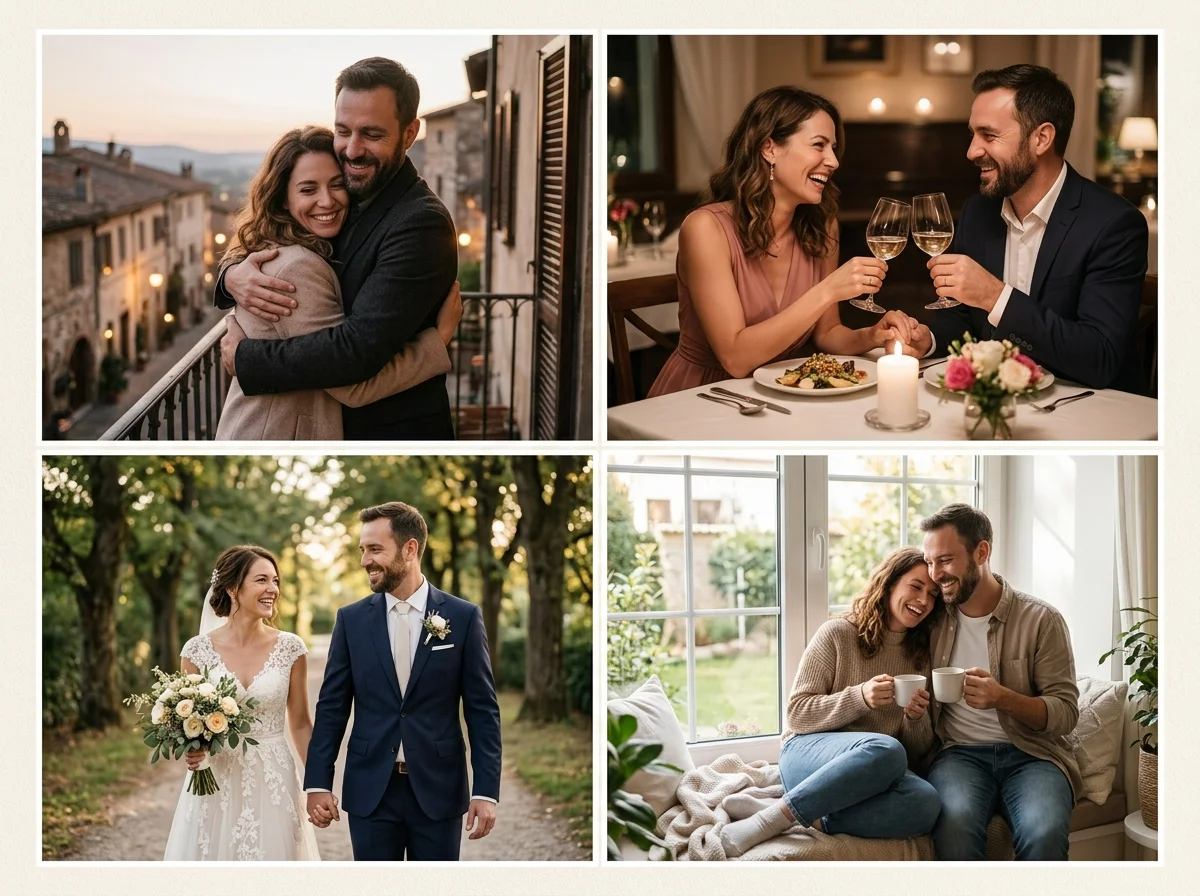
Las fotos de perfil necesitan señales de confianza
La IA para citas debe enfatizar contacto visual, sonrisas genuinas y fondos limpios que se lean en pantallas pequeñas de móvil. Sube selfies recientes que te pertenezcan; evita recortes de grupo donde tu cara quede diminuta.
Pasa a packs de Tinder, Bumble o Hinge cuando quieras orientación de brillo y recorte por app—este hub se mantiene de propósito general.
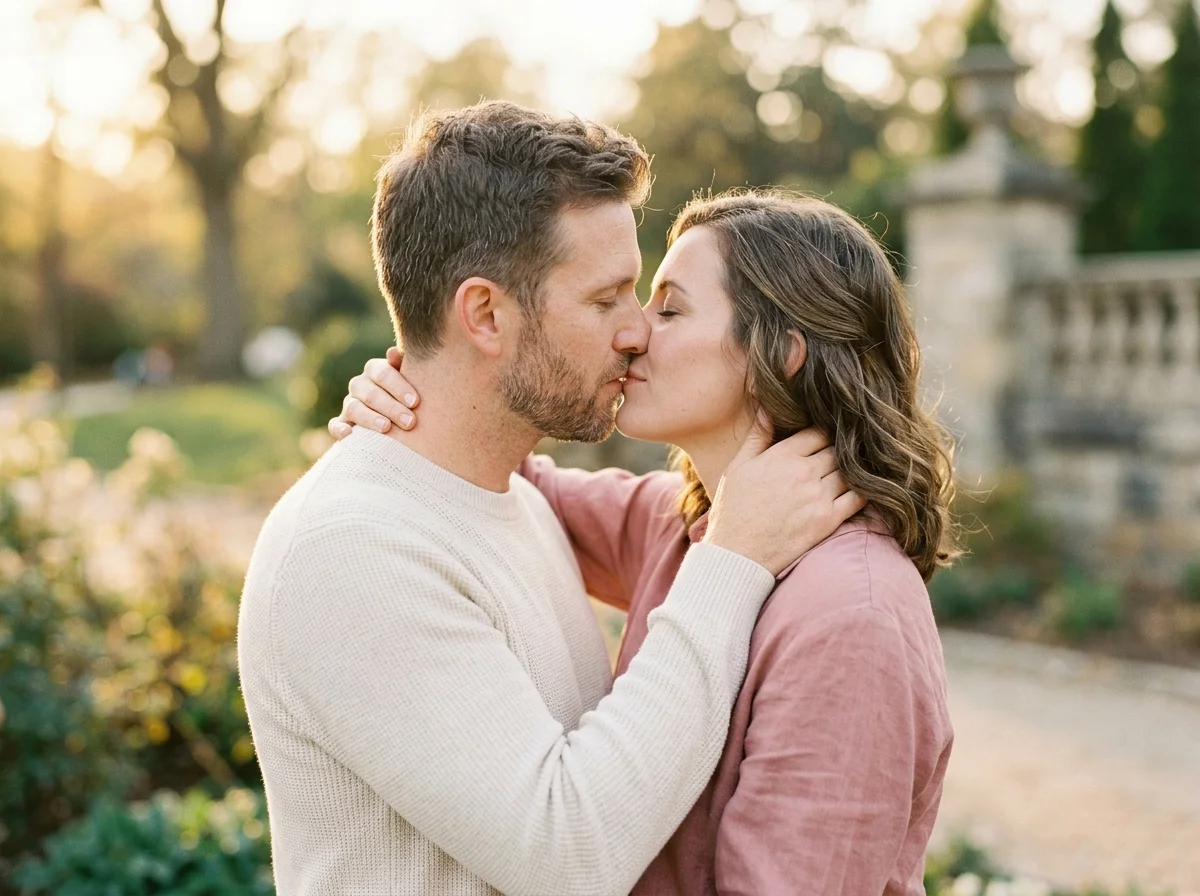
Selfies de entrada que sobreviven al swipe
Mira hacia la fuente de luz, mantén la cámara a la altura de los ojos y deja margen superior para recortes de la app. Paredes neutras vencen habitaciones desordenadas a menos que la narrativa de estilo de vida sea intencional.
Actualiza las fotos por temporada; pelo o vestuario desactualizados perjudican más las tasas de match que los filtros.
Fundamentos de prompts para fotos de citas
«foto natural para citas, luz diurna suave, sonrisa amigable, fondo limpio, outfit casual». Añade contexto de hobby solo cuando siga siendo auténtico para ti.
Navega los packs de fotos para citas con IA de AiKissGo
Los packs de retrato afinan vibes profesionales. Lujo y moda elevan el estilismo. Las páginas por app ajustan brillo y energía candid—explora los enlaces abajo.
Calentamiento pre-perfil
Genera borradores antes de pagar a un fotógrafo.
Pruebas de outfit
Compara colores de camisa sobre la misma base de selfie.
Limpieza de fondo
Simula bokeh de cafetería o parque sin viajar.
Ensayo de confianza
Mira qué expresiones se sienten naturales ante la cámara.
Exportaciones por app
Salta a guías de Tinder, Bumble o Hinge para recortes afinados.
Cómo generar fotos para citas con IA online
Follow these steps in order. Change one variable at a time—source photo, ratio, or prompt—so you can see what actually improves your Generador de fotos para citas con IA.
- 1
Sube un selfie autorizado que te pertenezca
Elige una foto reciente con tu rostro claramente visible, ojos abiertos y poco desenfoque por movimiento. El encuadre en solitario funciona mejor para práctica de perfil—recorta amigos del origen si hace falta. Solo sube semblanzas que puedas usar.
- 2
Elige una proporción de perfil antes de generar
Selecciona 4:5 para feeds verticales de citas o 1:1 cuando un recorte cuadrado sea más seguro. Deja un poco de margen sobre la línea del pelo porque las apps suelen recortar bordes tras la subida. Exporta el mayor tamaño de vista previa que permita tu plan.
- 3
Escribe un prompt de ánimo corto y honesto
Describe iluminación y expresión en lenguaje llano—luz diurna suave, sonrisa amigable, fondo limpio—en lugar de nombres de famosos o filtros de belleza exagerados. Añade contexto de hobby solo cuando refleje intereses reales que puedas comentar en una cita.
- 4
Revisa a tamaño completo y en miniatura
Aleja el zoom hasta que la imagen sea del tamaño de un sello. Si tus ojos o sonrisa desaparecen, ajusta el prompt o sube una foto de origen más brillante. Publica manualmente solo cuando el render siga pareciéndote y cumpla las reglas de cada app.
Por qué usar AiKissGo para fotos de citas con IA
Iteración privada antes de subir a cualquier app
Nada se publica automáticamente en Tinder, Bumble o Hinge. Tú controlas qué borradores salen de tu dispositivo, así puedes experimentar con iluminación, vestuario y recortes sin mostrar looks sin terminar a los matches.
Guías por app en un hub de marca
Empieza en esta página general para ética y proporciones, luego pasa a packs de Tinder, Bumble, Hinge, retrato, moda o estilo de vida cuando sepas qué feed estás afinando.
Consentimiento primero antes de publicar
Cada pack enfatiza fotos de adultos autorizados, reglas anti-catfish y nuestra Política de Contenido. AiKissGo es un estudio de práctica—no un atajo para tergiversar quién eres.
Orientación práctica de fotos
Los tutoriales cubren luz de ventana, recortes de perfil, miniaturas de Tinder y fotos de hobby en Hinge—habilidades concretas que puedes aplicar antes de subir a cualquier app de citas.
Packs especializados de fotos para citas
- Retrato profesionalCompara el encuadre de retrato profesional con fotos para citas antes de actualizar un perfil.
- Fotos para TinderCompara el encuadre de fotos para tinder con fotos para citas antes de actualizar un perfil.
- Fotos para BumbleCompara el encuadre de fotos para bumble con fotos para citas antes de actualizar un perfil.
- Fotos para HingeCompara el encuadre de fotos para hinge con fotos para citas antes de actualizar un perfil.
- Fotos de estilo de vida de lujoAbre Fotos de estilo de vida de lujo para probar otro look de perfil junto a fotos para citas.
- Fotos de modaAbre Fotos de moda para probar otro look de perfil junto a fotos para citas.
Herramientas relacionadas de AiKissGo
- Foto de parejaPasa de practicar perfiles en solitario a fotos de estilo de vida en pareja cuando tu historia cambie.
- Generador de video de beso con IAContenido romántico en movimiento opcional—solo si encaja con tu estrategia de perfil y las políticas.
- Generador de video de parejaClips cortos para compartir en privado—no sustituyen fotos de perfil claras.
Ética de fotos para citas
No hagas catfish. Usa solo tu semejanza. Sigue los términos de las apps y la Política de Contenido de AiKissGo. Política de contenido, Privacidad, Términos.
FAQ — Fotos para citas con IA
¿Puedo publicar fotos de citas con IA directamente en las apps?
Solo cuando la plataforma permita medios sintéticos y la imagen siga representándote con verdad. AiKissGo te ayuda a practicar; tú sigues siendo responsable de las guías de fotos, flujos de verificación y estándares de honestidad de cada app antes de publicar.
¿Cómo arreglo la mala iluminación en fotos de citas con IA?
Empieza con un selfie de origen más brillante frente a una ventana, luego pide luz diurna suave u hora dorada. Si la piel se ve apagada, reduce palabras de filtro pesado y corrige la subida antes de cambiar packs de estilo.
¿Debo usar fotos de grupo para practicar perfil de citas?
Las fuentes en solitario funcionan mejor porque las apps recortan pequeño y los matches necesitan una cara obvia. Usa fotos de grupo solo como espacios secundarios tras un retrato principal claro—y nunca cuando los amigos no hayan dado consentimiento.
¿Están bien las gafas de sol en borradores de perfil de citas con IA?
Evítalas en fotos principales; los ojos impulsan la confianza en feeds de swipe. Si llevas gafas de sol a diario, incluye una toma secundaria, pero mantén al menos un render con ojos abiertos y sonrisa natural.
¿Tinder, Bumble y Hinge necesitan fotos diferentes?
A menudo sí. Tinder favorece contraste brillante en miniatura, Bumble calidez, y Hinge candids narrativos. Usa las guías dedicadas por app enlazadas en esta página para afinar prompts sin clonar un render en todas partes.
¿Las fotos de citas con IA gratuitas incluyen marcas de agua?
Los niveles gratuitos pueden limitar resolución o añadir marcas de agua según los límites del producto en vivo. Consulta tu plan antes de exportar finales para subir al perfil.
¿Cuándo debo usar el generador de retratos en su lugar?
Elige packs de retrato cuando quieras pulido profesional de hombros arriba para un espacio secundario o credibilidad tipo LinkedIn. Mantén el espacio uno accesible y casual a menos que tu marca sea explícitamente formal.
¿Puedo usar herramientas de video romántico para perfiles de citas?
Los stills de perfil deben seguir claros y honestos. Los generadores de beso o video de pareja son productos separados para contenido romántico privado—no reemplazos de fotos de perfil con la cara al frente.