Espace image portrait bébé
Photos d'adultes autorisées uniquement · Aperçu UI, téléversement pas encore connecté
Téléverser des images (optional)
Image model · 5 credits per generate · Google Nano Banana 2 Lite (Gemini) · 1:1 · Low
NSFW, violence/gore, hate, CSAM, deepfakes, and IP infringement are blocked. See Content Policy for full rules.
Résultat
HistoriquePas encore de résultat
Votre dernier photos de bébé IA apparaîtra ici une fois la génération connectée.
AI Images Love guide
Générateur de bébé IA — Concepts doux de portrait style nouveau-né
Qu'est-ce qu'un générateur de Générateur de bébé par IA ?
Explorez des concepts doux de portrait bébé dérivés de photos parentales autorisées. Ce pack sert aux souvenirs sûrs pour la famille et à l'art d'annonce — pas à l'imagerie médicale ni aux ressemblances non consensuelles de vrais nourrissons dont vous n'êtes pas parent.
Associez à la photographie de maternité pour un album avant-après cohérent. Gardez des attentes illustratives : les résultats sont des brouillons artistiques à examiner en privé avec la famille.
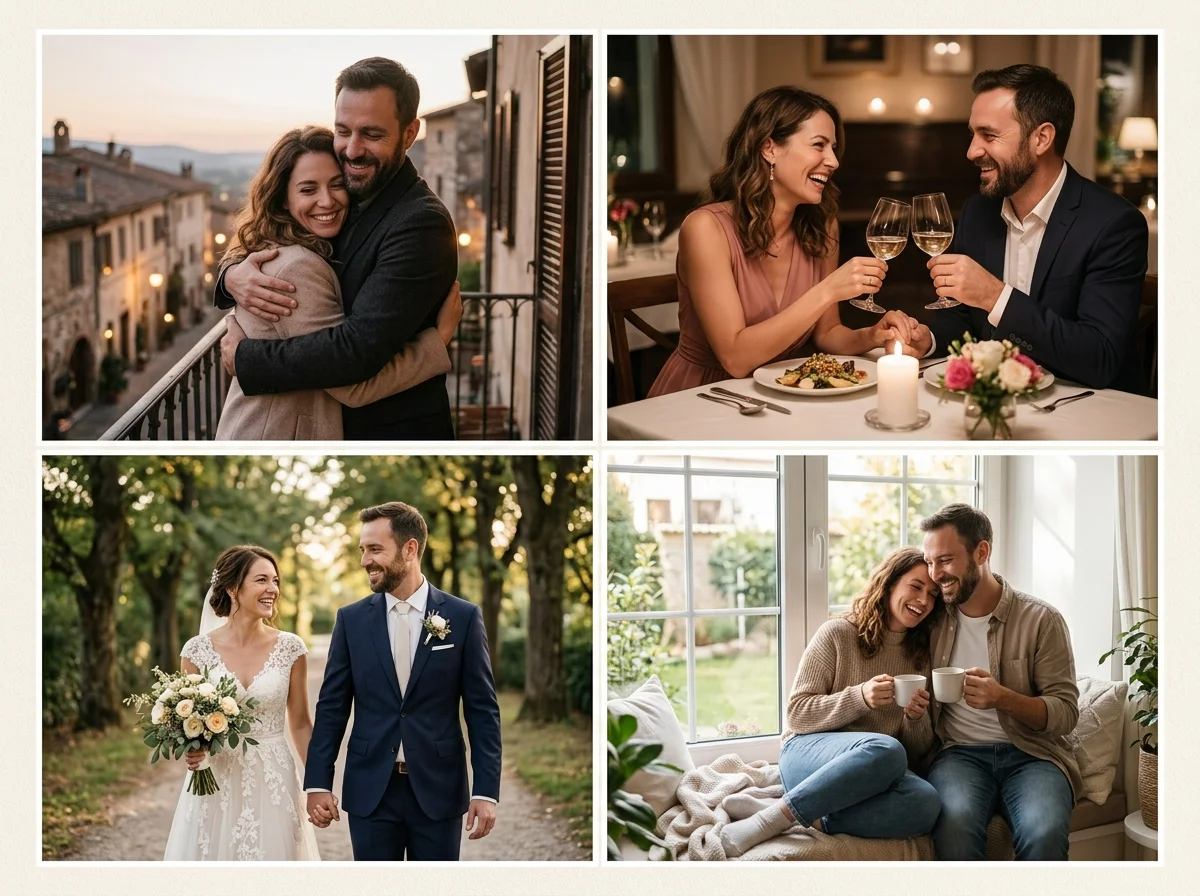
L'IA bébé exige une autorisation stricte
Utilisez uniquement des photos parent ou tuteur que vous pouvez transformer. Prompter pour des tons de peau doux, textures de lange et lumière de chambre chaude plutôt qu'un détail médical hyperréaliste.
Si vous avez besoin de contexte couple, revenez aux packs photo de couple ou scène d'amour pour des stills de groupe familial.
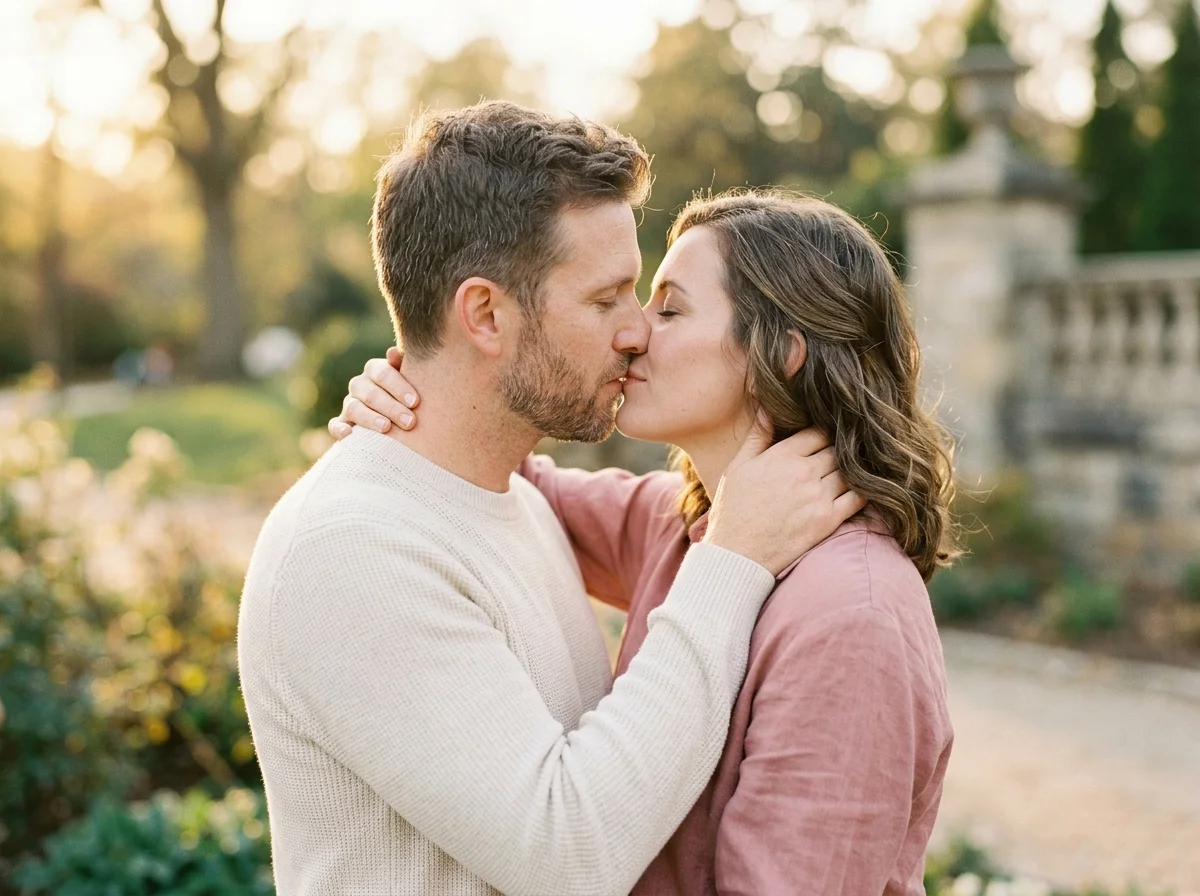
Entrées photo parent
Des portraits parentaux adultes clairs aident le modèle à déduire le ton de peau et l'harmonie faciale. Évitez de mélanger des photos bébé sans droits.
Une lumière douce et uniforme sur les parents réduit le contraste dur quand le modèle stylise les traits nourrisson.
Prompts portrait bébé
Exemple : « concept portrait nouveau-né doux, couverture moelleuse, lumière chambre chaude, expression paisible, tons pastel. » Gardez un langage élégant et calme.
Bébé vs maternité vs scène d'amour
Bébé se concentre sur le style nourrisson. Maternité couvre la grossesse. Scène d'amour gère une narration romantique plus large — choisissez selon le chapitre d'album.
Art annonce de naissance
Brouillons privés avant partage avec les proches.
Impressions chambre d'enfant
Harmonisez les couleurs de couverture via notes de palette dans le prompt.
Continuité maternité
Réutilisez les étalonnages couleur des rendus pack maternité.
Concepts cadeau
Souvenirs grands-parents avec consentement des parents.
Storyboards
Visualisez des thèmes avant une séance nouveau-né professionnelle.
How to Create AI générateur de bébé Images
Follow these steps in order. Change one variable at a time—source photo, ratio, or prompt—so you can see what actually improves your Générateur de bébé IA.
- 1
Confirmer l'autorisation
Parent ou tuteur légal uniquement téléverse.
- 2
Téléverser portrait parental
Lumière uniforme, de face préféré.
- 3
Prompter style doux
Lange, couverture, chaleur de chambre.
- 4
Examiner en privé
Partager avec la famille seulement quand tous sont d'accord.
Why Use AiKissGo for AI générateur de bébé?
Téléversements tuteur uniquement
Les politiques bloquent les ressemblances enfant non autorisées.
Defaults esthétiques doux
Les prompts évitent les looks uncanny ou cliniques.
Liens packs famille
Les guides maternité et couple sont à un clic.
FAQ éducative
Limites claires sur usage médical et commercial.
Packs image famille près portraits bébé
- Photographie de MaternitéOuvrez le guide « Photographie de Maternité » pour comparer éclairage, cadrage et idées de prompt avec générateur de bébé.
- Photo de CoupleOuvrez le guide « Photo de Couple » pour comparer éclairage, cadrage et idées de prompt avec générateur de bébé.
- Photo de MariageOuvrez le guide « Photo de Mariage » pour comparer éclairage, cadrage et idées de prompt avec générateur de bébé.
- Scène d'AmourOuvrez le guide « Scène d'Amour » pour comparer éclairage, cadrage et idées de prompt avec générateur de bébé.
- Carte de MariageVoyez comment carte de mariage diffère de générateur de bébé avant de dépenser un autre crédit image.
- Scène RomantiqueVoyez comment scène romantique diffère de générateur de bébé avant de dépenser un autre crédit image.
Hubs vidéo famille & couple
- Générateur de vidéo de coupleTransformez de fortes photos générateur de bébé en courte motion romantique quand une image seule ne suffit pas.
- Animation photo de mariageAnimez des portraits de cérémonie après avoir finalisé le look still sur cette page.
- Générateur de vidéo de baiser IAAjoutez des clips de contact des lèvres élégants qui s'associent aux packs photo couple ou mariage.
- Baiser RomantiqueExplorez les guides vidéo baiser quand votre histoire love-image a besoin de mouvement.
Consentement image bébé
Ne téléversez jamais les enfants d'autres familles. CSAM et mineurs non autorisés sont interdits. Politique de contenu, Confidentialité, Conditions.
FAQ — AI générateur de bébé
Prédire le visage de mon vrai bébé ?
Non — les sorties sont des concepts artistiques, pas des prédictions médicales.
Utiliser de vraies photos nouveau-né ?
Uniquement si vous avez les droits et que la politique l'autorise.
Marques chambre d'enfant commerciales ?
Consultez les Conditions avant usage publicitaire.
Associer à maternité ?
Oui — utilisez les liens associés pour des tons assortis.
Apparence d'âge ?
Prompter explicitement look nouveau-né vs nourrisson plus âgé.
Frères et sœurs ?
Un concept par rendu garde les visages stables.
Publications sociales publiques ?
Par défaut partage familial privé.
Vidéo depuis still bébé ?
Essayez les outils vidéo couple seulement avec contenu conforme à la politique.