Ruang kerja foto Bumble
Hanya foto dewasa yang diizinkan · Pratinjau UI, unggahan belum terhubung
Unggah gambar (optional)
Image model · 5 credits per generate · Google Nano Banana 2 Lite (Gemini) · 1:1 · Low
NSFW, violence/gore, hate, CSAM, deepfakes, and IP infringement are blocked. See Content Policy for full rules.
Hasil
RiwayatBelum ada hasil
foto bumble AI terbaru Anda akan muncul di sini setelah generasi terhubung.
AI Dating Photos guide
AI Bumble Photo Generator — Draf Profil Ramah Cerah
Apa Itu Generator Foto Bumble AI?
Buat potret ramah Bumble dengan cahaya matahari yang hangat, ekspresi terbuka, dan gaya yang halus namun kasual. Tujuannya adalah kepercayaan diri yang tetap terasa seperti Anda pada ukuran layar penuh.
Pengguna Bumble sering kali merespons isyarat yang jelas dan baik—permintaan di sini bias sedikit lebih lembut dibandingkan estetika kontras tinggi Tinder.
Kepercayaan ramah tanpa kekakuan perusahaan
Umpan bumble sering kali terasa sedikit lebih lembut daripada tumpukan gesek yang sangat kontras. Anjuran di sini bias terhadap sinar matahari keemasan, ekspresi terbuka, dan latar belakang rapi yang terasa mengundang di layar penuh.
Anda dapat tampil menawan tanpa terlihat seperti foto stok. Pakaian kasual yang cerdas—kemeja berkancing, kaus bersih di bawah jaket—mengungguli setelan lengkap kecuali itu adalah kenyataan sehari-hari Anda.
Keteduhan luar ruangan dan kesetiaan warna kulit
Tempat teduh terbuka dan sinar matahari sore meratakan kulit. Lampu tengah hari di atas kepala memperdalam rongga mata; jika render terlihat lelah, ubah kata-kata ringan sebelum mengubah perintah wajah Anda.
Psikologi langkah pertama dan wajah jernih
Pertandingan memutuskan dengan cepat apakah akan mengirimkan pembuka yang bijaksana. Mata dan senyuman membawa keputusan itu—jaga agar tidak terhalang dan mendapat penerangan yang baik.
Satu pahlawan Bumble yang cerdas ditambah dasar-dasar hub
Mulailah dari panduan umum foto kencan untuk etika dan rasio, lalu kembali ke sini untuk menghangatkan suhu warna dan memperhalus kontras.
Foto hobi yang menunjukkan konteks
Latar belakang taman, jalan setapak, atau kafe berfungsi jika wajah Anda tetap menjadi elemen terbesar. Latar belakang buram, bukan tulang pipi.
Headshot profesional sebagai nomor dua
Tautan ke generator headshot untuk slot alternatif yang tajam ketika Anda menginginkan kredibilitas tanpa kehilangan kemudahan untuk didekati di slot satu.
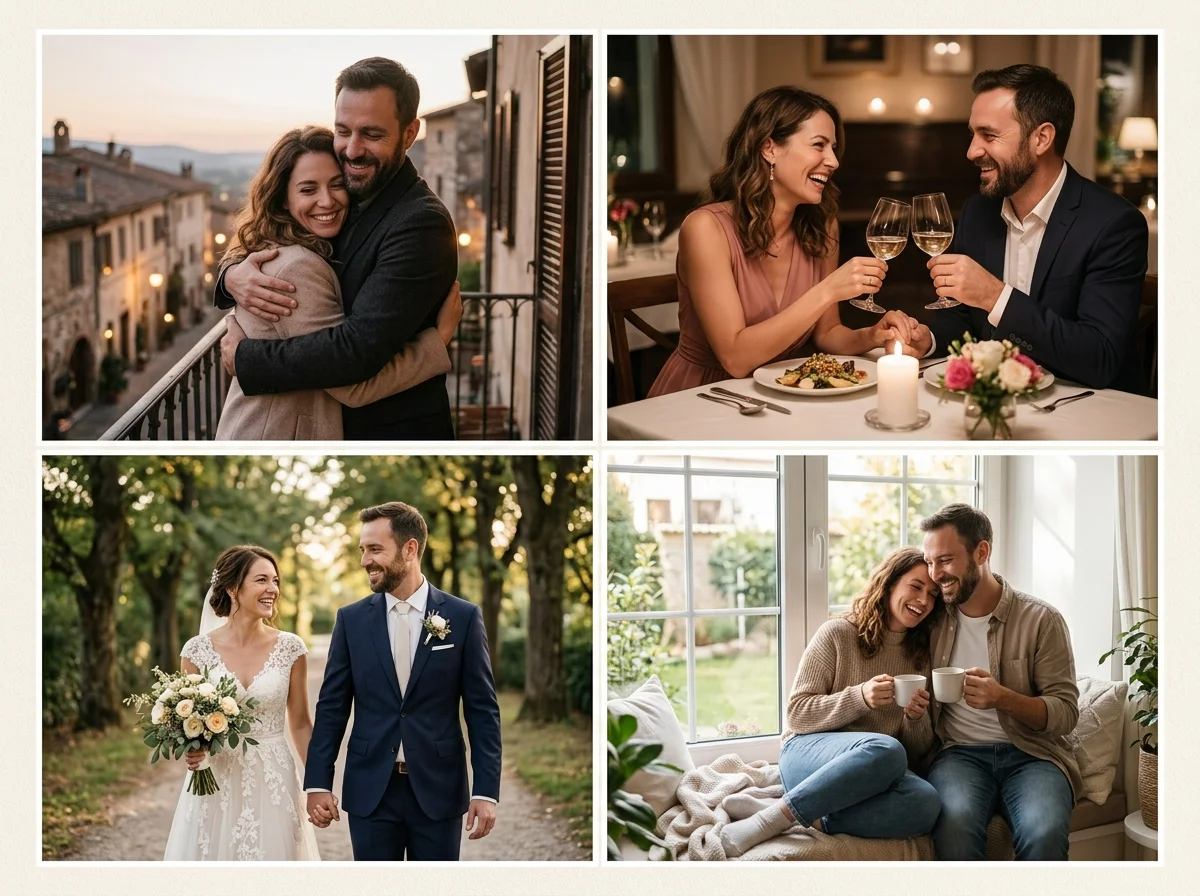
Bumble menyeimbangkan polesan dan kehangatan
Tersenyumlah dengan mata terlihat, pilih cahaya hangat yang bagus, dan jaga latar belakang tetap rapi. Pemotretan hobi harus menunjukkan wajah Anda dan konteksnya, bukan siluet jauh.
Tautan ke paket Hinge untuk foto candid atau paket fesyen untuk eksperimen pakaian yang lebih berani.
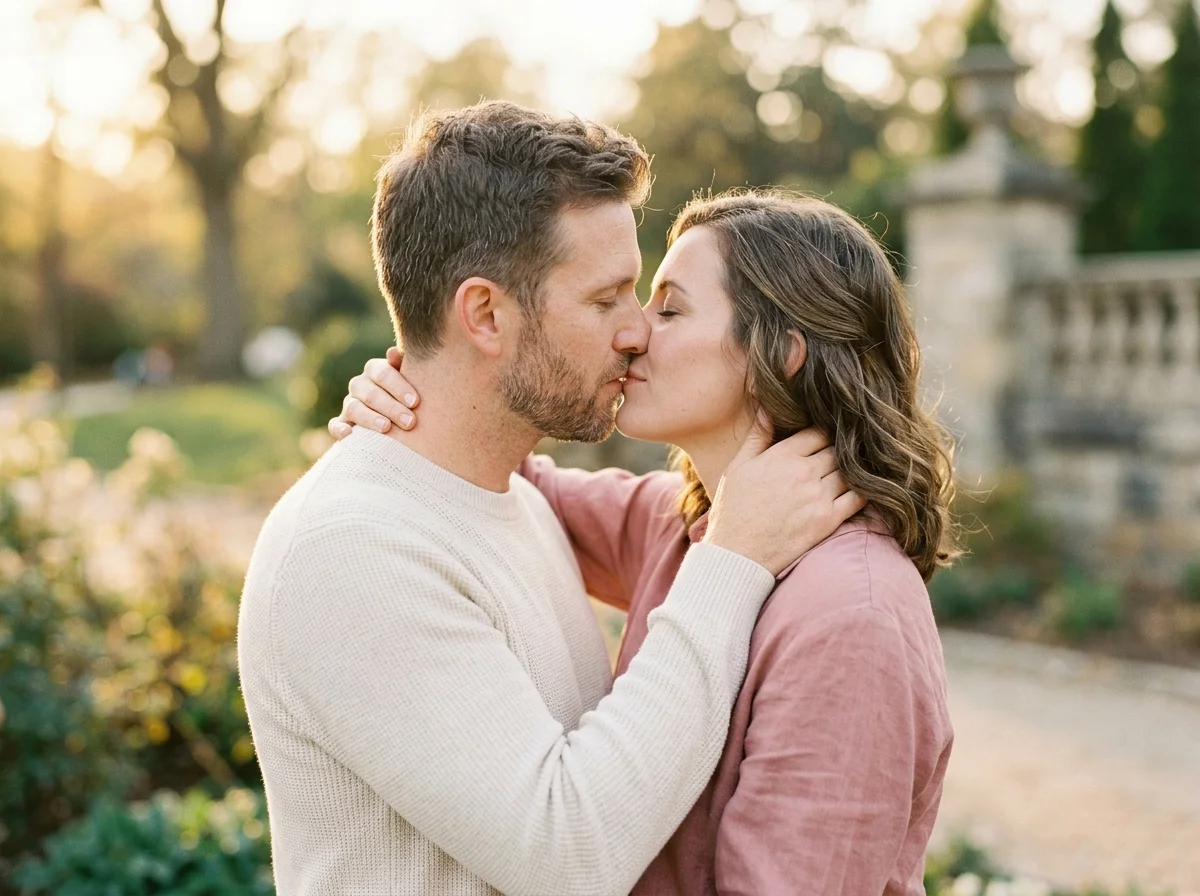
Panduan selfie bumble
Tempat teduh di luar ruangan atau jam emas mempercantik kulit. Hindari sinar matahari siang yang terik di atas kepala yang menghasilkan bayangan yang dalam.
Putar antara perintah senyuman dan tawa lembut untuk menghindari ekspresi serupa di seluruh barisan Anda.
Contoh cepat yang gagal
“Foto profil cerah, sinar matahari hangat, senyum ramah percaya diri, pakaian kasual cerdas, latar belakang taman buram lembut.”
Bumble di tumpukan foto Anda
Gunakan satu foto cerah yang disesuaikan dengan Bumble ditambah foto kasual dan hobi dari pusat kencan umum.
Keyakinan langkah pertama
Foto wajah yang jernih mengurangi rasa cemas sebelum mencocokkan.
Gaya hidup di luar ruangan
Taman, jalan setapak, atau teras yang cepat dengan jujur.
Profesional-santai
Blazer dengan latar belakang santai untuk nuansa hybrid.
Penyegaran musiman
Perbarui mantel musim dingin vs kaos musim panas.
Pengujian lintas aplikasi
Bandingkan render dengan paket Tinder dan Hinge.
How to Create AI foto Bumble Images
Follow these steps in order. Change one variable at a time—source photo, ratio, or prompt—so you can see what actually improves your AI Bumble Photo Generator.
- 1
Unggah selfie sendirian
Resmi dan terbaru.
- 2
Pilih perintah hangat
Siang hari, senyum, latar belakang rapi.
- 3
Tinjau sesuai ukuran ponsel
Perkecil ke skala thumbnail.
- 4
Publikasikan secara manual
Unggah hanya draf yang Anda dukung.
Why Use AiKissGo for AI foto Bumble?
Default cahaya hangat
Contoh-contoh yang cepat mendukung kehangatan saat-saat emas dan ekspresi ramah yang dapat dibaca dengan baik di Bumble.
Paket aplikasi terkait
Bandingkan kecerahan Tinder dan Candid Hinge saat membuat tumpukan enam foto.
Representasi yang jujur
FAQ menjelaskan kapan polesan AI menyebabkan misrepresentasi pada aplikasi kencan.
Latihan langkah demi langkah
Unggah, rasio, perintah, dan panduan peninjauan ukuran ponsel sebelum dipublikasikan secara manual.
Bandingkan paket foto kencan lainnya
- Foto KencanBandingkan bingkai foto kencan dengan foto bumble sebelum Anda memperbarui profil kencan.
- Foto TinderBandingkan bingkai foto tinder dengan foto bumble sebelum Anda memperbarui profil kencan.
- Foto HingeBandingkan bingkai foto engsel dengan foto bumble sebelum Anda memperbarui profil kencan.
- Foto ModeBandingkan bingkai foto mode dengan foto bumble sebelum Anda memperbarui profil kencan.
- PasfotoBuka Headshot untuk menguji tampilan profil lain di samping foto bumble.
- Foto Gaya Hidup MewahBuka Foto Gaya Hidup Mewah untuk menguji tampilan profil lain di samping foto bumble.
Alat AIKissGo lainnya
- Pusat Foto Kencan AIKembali ke panduan umum foto kencan untuk mengetahui dasar-dasar lintas aplikasi.
- Foto PasanganBeralih dari latihan profil solo ke gaya hidup berpasangan saat cerita Anda berubah.
- Pembuat Video Ciuman AIKonten gerakan romantis opsional—hanya jika sesuai dengan strategi dan kebijakan profil Anda.
- Pembuat Video PasanganKlip pendek untuk berbagi pribadi—bukan pengganti foto profil yang jelas.
Persetujuan foto Bumble
Mewakili diri Anda secara akurat; gambar AI yang menipu merusak kecocokan dan mungkin melanggar ketentuan. Kebijakan konten, Privasi, Ketentuan.
FAQ — Foto AI bumble
Konteks yang mengutamakan perempuan?
Foto harus tetap fokus pada presentasi diri yang jelas dan penuh rasa hormat.
Teman grup?
Hanya sekunder; memimpin dengan wajah solo.
Anak-anak di foto?
Ikuti aturan aplikasi; sering kali tidak disarankan pada profil kencan.
Foto gimnasium?
Opsional sekunder; memimpin dengan tembakan ramah menghadap ke depan.
Bepergian?
Wajah plus landmark, bukan landmark saja.
Pengungkapan AI?
Ikuti aturan media sintetis Bumble yang terus berkembang.
Foto kepala tumpang tindih?
Paket Headshot menambahkan sekunder profesional.
Konten pasangan?
Gunakan alat pasangan hanya saat lajang—bukan untuk profil kencan aktif.