Workspace immagini foto di nozze
Solo foto di adulti autorizzate · Anteprima UI, l'upload non è ancora collegato
Carica immagini (optional)
Image model · 5 credits per generate · Google Nano Banana 2 Lite (Gemini) · 1:1 · Low
NSFW, violence/gore, hate, CSAM, deepfakes, and IP infringement are blocked. See Content Policy for full rules.
Risultato
CronologiaNessun risultato ancora
Il tuo ultimo foto di nozze AI apparirà qui quando la generazione sarà collegata.
AI Images Love guide
Generatore Foto di Nozze AI — Ritratti Cerimoniali da Immagini Autorizzate
Cos'è un generatore di Generatore Foto di Nozze con IA?
Modella foto di nozze eleganti da ritratti di fidanzamento o cerimonia che possiedi. Il pacchetto foto di nozze AiKissGo enfatizza dettagli floreali, postura formale e luce diurna soft che rispetta il tono delle celebrazioni reali.
Usa questa pagina per riferimenti invito privati, supplementi album o frame still prima di animare le foto nell'hub animazione matrimonio. Mantieni i prompt formali—evita wording gag che contrasta con il senso dell'occasione del modello.
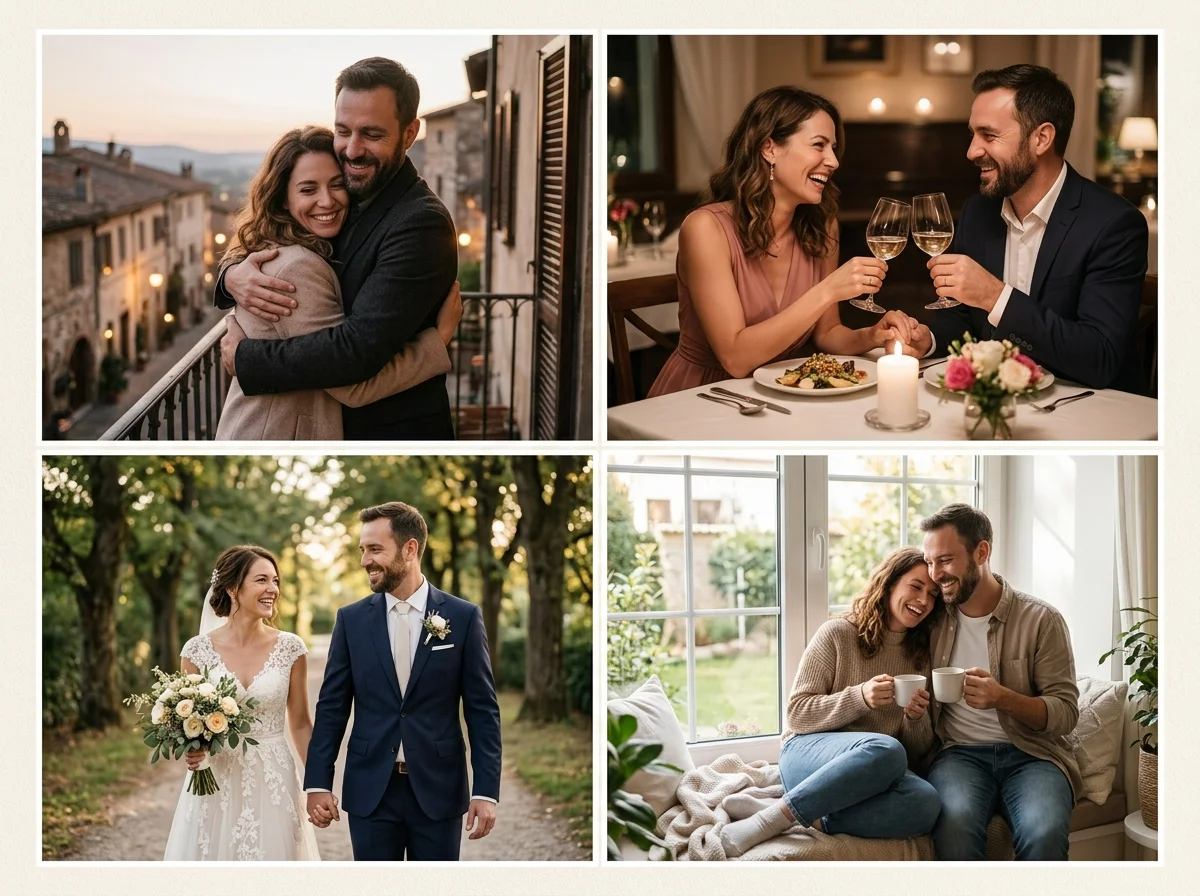
Still cerimoniali senza un nuovo shooting
L'AI foto di nozze deve elevare linee dell'abito, posizionamento del bouquet e morbidezza dello sfondo mantenendo i volti fedeli alle tue sorgenti. Parti dal tuo frame di fidanzamento o cerimonia più nitido.
Quando servirà movimento, gli stessi ritratti possono alimentare l'animazione foto di matrimonio con cambiamenti minimi al prompt—eleganza still prima, movimento dopo.
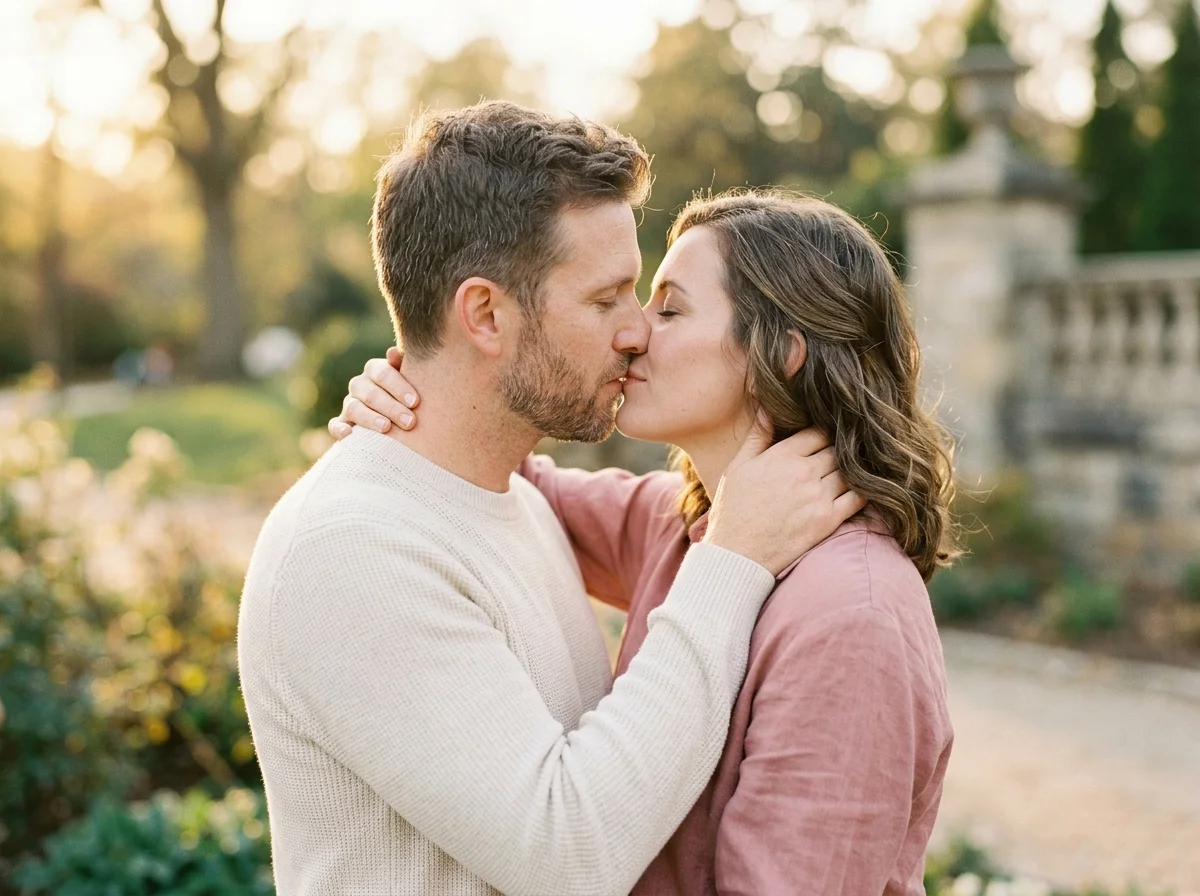
Scegliere foto sorgente di nozze
Ritratti formali ad alta risoluzione superano scatti affollati della navata. I volti devono essere liberi; veli e reversi funzionano meglio quando i dettagli sorgente sono nitidi.
Bilanciamento del bianco freddo vs caldo deve corrispondere tra upload di coppia. Temperatura colore mista è una fonte comune di pelle opaca sui compositing matrimonio.
Esempi prompt foto di nozze
Esempio: “elegante foto di matrimonio, luce diurna soft, arco floreale, posa romantica naturale, dettaglio pizzo fine.” Menziona la luce del venue prima dei props.
Foto di nozze vs partecipazione vs foto di coppia
La foto di nozze punta all'eleganza del ritratto. La partecipazione aggiunge spazio negativo sicuro per tipografia. La foto di coppia tende al casual lifestyle—scegli il pacchetto che corrisponde al deliverable.
Mood board inviti
Bozza still formali che impostano il tono prima che i designer impaginino inviti stampati o digitali.
Riempimento lacune album
Integra angolazioni mancanti del giorno con still AI che corrispondono al tuo color grade.
Gallerie familiari private
Condividi foto di coppia formali solo con ospiti che hanno acconsentito a comparire.
Frame sorgente animazione
Alimenta ritratti cerimoniali nell'animazione matrimonio per movimento lento e di buon gusto.
Callback anniversario
Ricrea l'illuminazione matrimonio anni dopo usando foto d'archivio che puoi ancora usare.
How to Create AI foto di nozze Images
Follow these steps in order. Change one variable at a time—source photo, ratio, or prompt—so you can see what actually improves your Generatore Foto di Nozze AI.
- 1
Seleziona sorgenti formali
Fidanzamento, first look o file sessione ritratto che hai diritti d'uso.
- 2
Scegli rapporto print-friendly
4:5 e 3:2 adatti agli album; 9:16 per bozze story private.
- 3
Prompt mood venue
Descrivi fiori, luce diurna e postura—non aggettivi sensazionalistici.
- 4
Rivedi tessuto e volti
Correggi pizzo, velo o pelle con una variabile cambiata per render.
Why Use AiKissGo for AI foto di nozze?
Tono formale di default
I prompt orientano verso romance appropriato alla cerimonia, non snapshot casuali da festa.
Percorsi card & animazione collegati
Passa a guide partecipazione o animazione senza cercare strumenti non correlati.
Controllo somiglianza
Scegli la coppia; l'AI regola setting e rifinitura attorno a volti autorizzati.
Guida chiara per principianti
Le sezioni spiegano rapporto, illuminazione e consenso così i nuovi utenti evitano volti sfocati ed errori di policy.
Pacchetti immagine matrimonio & romance correlati
- Partecipazione di NozzeApri la guida Partecipazione di Nozze per confrontare illuminazione, inquadratura e idee prompt con foto di nozze.
- Foto di CoppiaApri la guida Foto di Coppia per confrontare illuminazione, inquadratura e idee prompt con foto di nozze.
- Scena RomanticaApri la guida Scena Romantica per confrontare illuminazione, inquadratura e idee prompt con foto di nozze.
- Scena d'AmoreApri la guida Scena d'Amore per confrontare illuminazione, inquadratura e idee prompt con foto di nozze.
- Fotografia di MaternitàScopri come la fotografia di maternità differisce da foto di nozze prima di spendere un altro credito immagine.
- Generatore BambinoScopri come il generatore bambino differisce da foto di nozze prima di spendere un altro credito immagine.
Hub movimento & video matrimonio
- Generatore Video di CoppiaTrasforma still di foto di nozze efficaci in breve movimento romantico quando una foto da sola non basta.
- Animazione Foto di MatrimonioAnima ritratti cerimoniali dopo aver perfezionato il look still su questa pagina.
- Generatore Video Bacio AIAggiungi clip di contatto labbra di buon gusto che si abbinano a pacchetti foto di coppia o nozze.
- Bacio RomanticoEsplora guide video stile bacio quando la tua storia immagine d'amore ha bisogno di movimento.
Consenso foto di nozze
Ospiti e coppie devono accettare elaborazione AI e condivisione. L'uso marketing richiede permesso esplicito. Politica sui contenuti, Privacy, Termini.
FAQ — AI foto di nozze
Posso sostituire uno scatto cerimoniale mancato?
Puoi integrare album privati se detieni diritti sulle foto sorgente e tutti acconsentono.
Crea inviti?
Usa il pacchetto partecipazione per still layout-friendly con spazio testo.
Migliore luce per AI matrimonio?
Open shade soft o riferimenti golden hour stabilizzano pelle e dettaglio abito.
Posso animare queste foto?
Sì—apri animazione foto di matrimonio dopo che ti piace l'anteprima still.
Scatti di gruppo?
Frame focalizzati sulla coppia funzionano meglio; gruppi grandi riducono consistenza volti.
Uso studio commerciale?
Rivedi Termini e contratti cliente prima di vendere arte matrimonio assistita da AI.
Watermark sulle anteprime?
Controlla il piano crediti attivo dentro il workspace.
Abiti religiosi o culturali?
Descrivi l'abbigliamento con rispetto nei prompt; mantieni accurate le foto di riferimento autorizzate.