ファッション写真ワークスペース
許可された成人の写真のみ · UIプレビュー、アップロードは未接続
画像をアップロード (optional)
Image model · 5 credits per generate · Google Nano Banana 2 Lite (Gemini) · 1:1 · Low
NSFW, violence/gore, hate, CSAM, deepfakes, and IP infringement are blocked. See Content Policy for full rules.
結果
履歴まだ結果がありません
生成が接続されると、最新のAI ファッション写真がここに表示されます。
AI Dating Photos guide
AIファッション写真ジェネレーター — スタイリングされたエディトリアルポートレート下書き
AIファッション写真ジェネレーターとは?
所有するセルフィーからエディトリアルファッションポートレート—ストリートスタイル、ソフトスタジオ、大胆なカラーグレーディング—をテスト。ファッション写真AIは服装のシルエット、ポーズの自信、レンズのドラマを強調しつつ、顔を認識可能に保ちます。
ムードボード、インフルエンサー練習、個人スタイルを示すデートプロフィール二次写真に使用。環境が衣服より重要ならラグジュアリーライフスタイルへリンク。
ストリートスタイル vs スタジオシームレス
エディトリアルファッションAIは、プロンプトがシルエット、質感、パレットを名指しすると輝きます。このページは、グリッド、ポートフォリオ、選択的なデートプロフィールスロット向けのスタイル付きショット練習を支援します。
ストリートプロンプトには環境語—濡れた舗装、曇り空、横断歩道のエネルギー—が必要。スタジオプロンプトには背景色と光の形—グレーシームレス、ソフトパラボリックグロー。
フレームを変えるポーズ語
ジャケットを変える前に、片足に体重をかけ、肩を角度させ、歩くストライドを求めてください。レンダーごとにワードローブ1つで、AIの袖と裾の混合を減らします。
デートスタックのエディトリアル写真1枚
親しみやすいカジュアルとバランスを取れば、ファッション志向の画像が差別化します。信頼が確立された後にスタイル付きショットを—まず親しみやすさでリード。
アンカー形容詞:テーラード、リラックス、アバンギャルド
シリーズごとに1つのアンカーを選び、結果に一貫性を。1つのプロンプトでアンカーを混ぜると、スタイリングがぼやけがちです。
Instagramグリッドのカラーストーリー
モノクロームクリーム、黒on黒、またはポップアクセント—明示的に述べる。投稿前に3レンダーが並んでどう見えるかプレビュー。
商標トラップの回避
ロゴとシグネチャープリントは文字化けアーティファクトを招きます。ハウス名を挙げずに雰囲気を記述—「デザイナー風ミニマリストコート」。
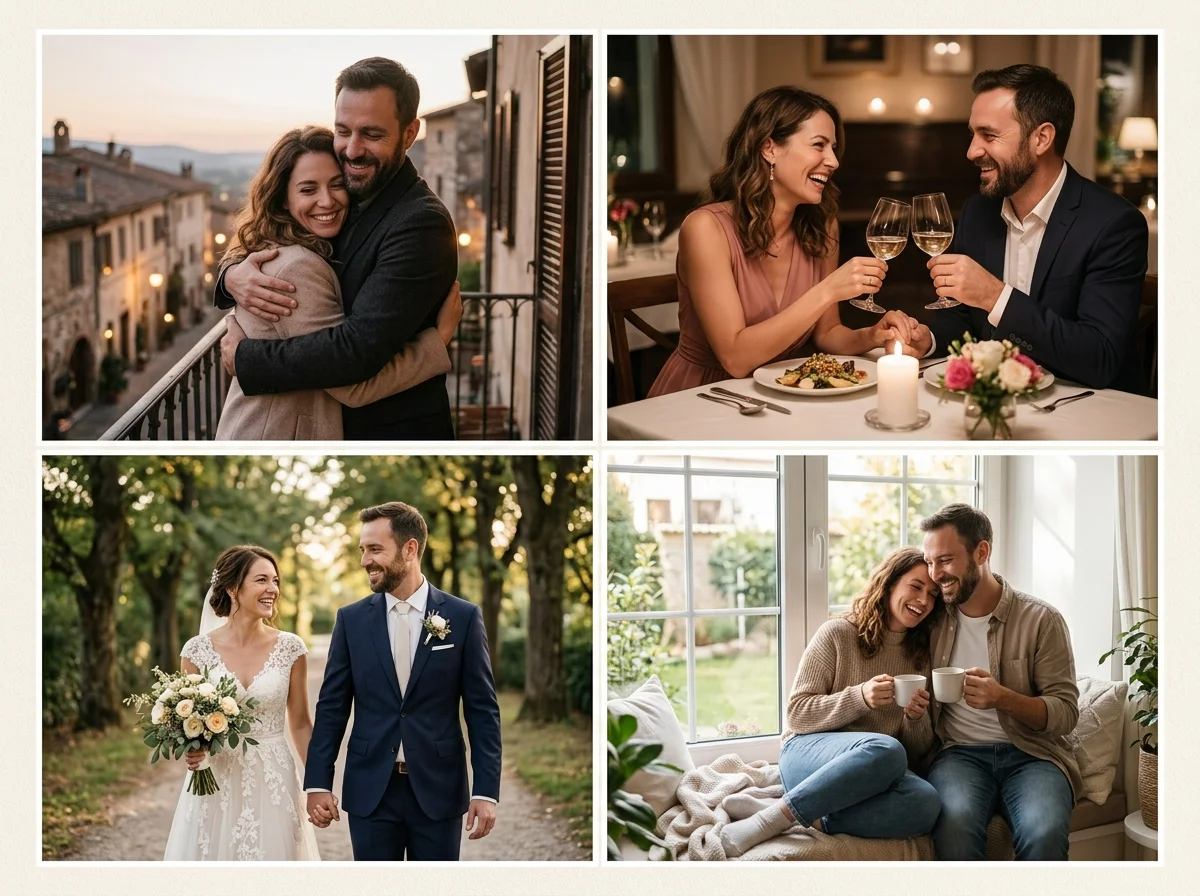
ファッションには意図的なスタイリング語が必要
生地、シルエット、カラーパレットを記述:ワイドレッグパンツ、モノクロームクリーム、構造化されたジャケット。汎用の「fashion」だけでは曖昧な結果になります。
プロフェッショナル文脈でファッションプロンプトが忙しすぎる感じのとき、ヘッドショットパックが背景を簡素化します。
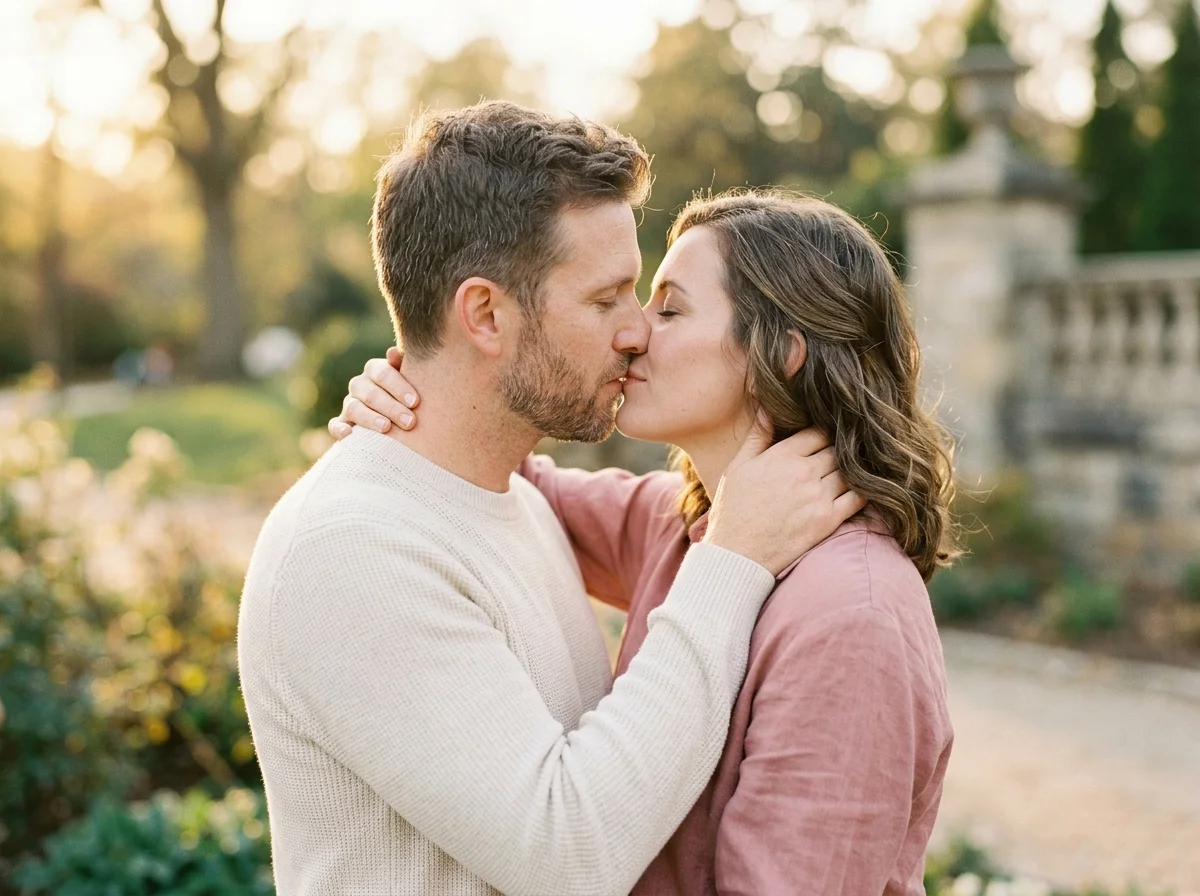
ファッションソースセルフィー
服装を参照するプロンプトには全身または3/4身ソースが有効。自然に立ち、極端な魚眼レンズは避けてください。
ソースの靴と裾の長さを一貫させると、AIの服装ハルシネーションが減ります。
ファッションプロンプトテンプレート
「fashion portrait, street style, tailored black coat, soft overcast light, confident stance, editorial crop.」
デートスタックでのファッション
ファッション志向の写真1枚がプロフィールを差別化できます—デートやHingeパックの親しみやすいカジュアルショットとバランスを。
Instagramグリッド計画
撮影前にカラーストーリーをプレビュー。
ワードローブショッピング
自分の体型で服装を視覚化。
デートスタイルシグナル
スタジオレンタルなしでセンスを示す。
ポートフォリオ練習
志望モデルが非公開でポーズをテスト。
ブランドムードボード
同意のみのパーソナルブランド探索。
オンラインでAIファッション写真を生成する方法
Follow these steps in order. Change one variable at a time—source photo, ratio, or prompt—so you can see what actually improves your AIファッション写真ジェネレーター.
- 1
全身または半身セルフィーをアップロード
許可済み、シャープ、ブラー最小。
- 2
エディトリアル比率を選択
4:5が定番。ストーリーには9:16。
- 3
服装の詳細を記述
生地、フィット、パレット。
- 4
ポーズ語を反復
ワードローブを変える前にスタンスを変える。
AiKissGoでAIファッション写真を使う理由
スタイリング語彙
サンプルプロンプトは生地、フィット、パレットを名指しし、意図的な服装に見せます。
リンクされたライフスタイルパック
環境や温かみが衣服より重要なとき、ラグジュアリーとデートがワンクリック先。
似顔を保持
あなたの顔がエディトリアル実験を錨に。プロンプトは身元を認識可能に保ちます。
比率と光のメモ
4:5エディトリアルクロップ、曇りのストリート光、ファッションショットがデートプロフィールに合うときのガイダンス。
スタイル&プロフィールパック
- ラグジュアリーライフスタイルデートプロフィールを更新する前に、ラグジュアリーライフスタイルの構図をファッション写真と比較。
- デート写真デートプロフィールを更新する前に、デート写真の構図をファッション写真と比較。
- ヘッドショットデートプロフィールを更新する前に、ヘッドショットの構図をファッション写真と比較。
- Bumble写真デートプロフィールを更新する前に、Bumble写真の構図をファッション写真と比較。
- Tinder PhotoTinder Photoを開いて、ファッション写真と並べて別のプロフィールルックを試す。
- Hinge PhotoHinge Photoを開いて、ファッション写真と並べて別のプロフィールルックを試す。
FAQ — AIファッション写真
ランウェイルック?
前衛的プロンプトは可能。顔は認識可能に保つ。
ロゴとブランド?
プロンプトで商標プリントは避ける。
ジム vs ストリート?
アスレジャーとテーラードを別々に指定。
デートアプリ?
エディトリアル1枚+カジュアル写真が一般的な組み合わせ。
スタジオシームレス?
グレーシームレス背景を明示的に指定。
ナイトフラッシュ?
ストリートフラッシュファッションプロンプトには高品質ソースが必要。
カップルファッション?
ファッションキーワードでカップル写真を使用。
商用ルックブック?
利用規約とタレント権を確認。