Love scene image workspace
許可された成人の写真のみ · UIプレビュー、アップロードは未接続
画像をアップロード (optional)
Image model · 5 credits per generate · Google Nano Banana 2 Lite (Gemini) · 1:1 · Low
NSFW, violence/gore, hate, CSAM, deepfakes, and IP infringement are blocked. See Content Policy for full rules.
結果
履歴まだ結果がありません
生成が接続されると、最新のAI ラブシーン写真がここに表示されます。
AI Images Love guide
AI Love Scene Generator — Intimate Couple Still Moments
What Is an AI Love Scene Generator?
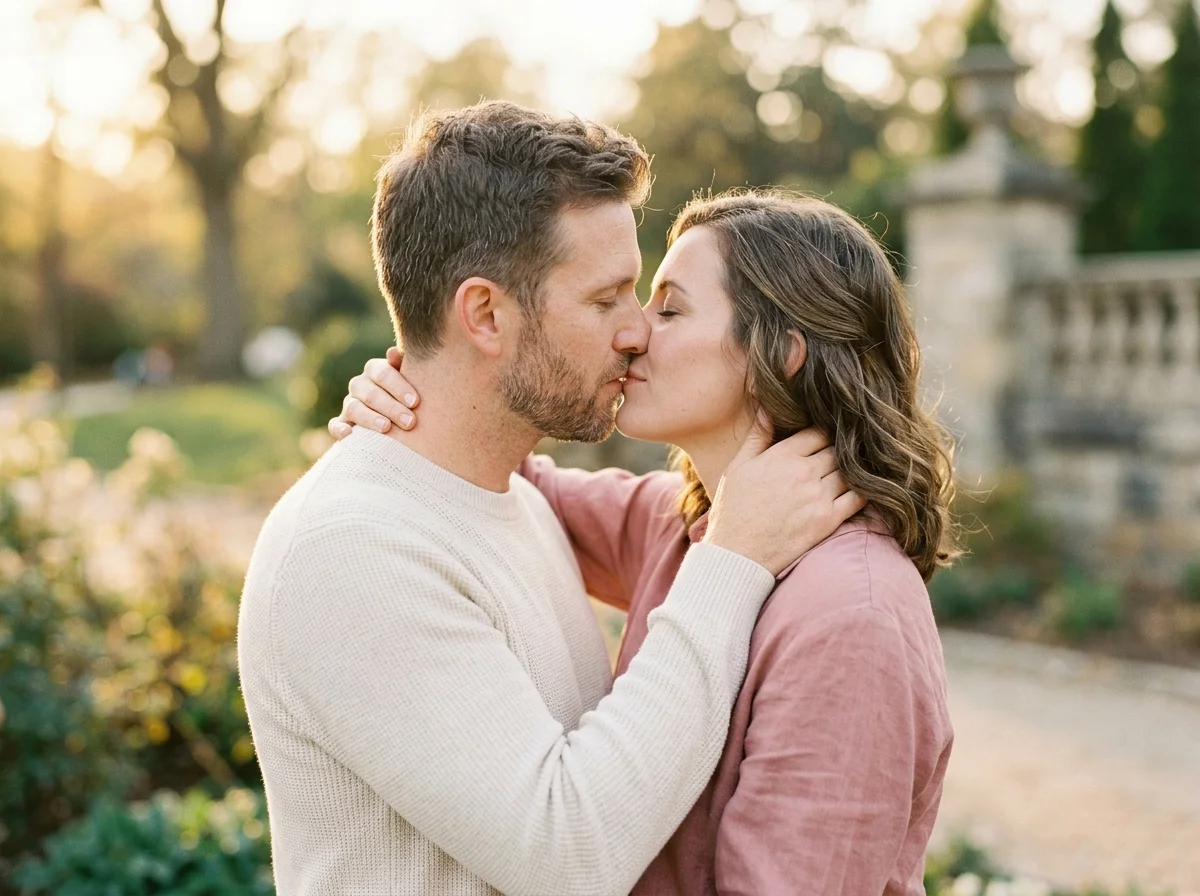
Craft intimate love-scene stills with soft bokeh, close framing, and warm skin tones from authorized portraits. This pack sits between romantic scene wide shots and tight couple headshots.
Ideal for private albums, lyric visuals, or mood references before video generation. Keep prompts tasteful—intimacy without explicit content aligns with AIKissGo policy.

Love scenes focus on closeness
Emphasize proximity, eye contact, and shallow depth of field. Upload couple or dual portraits with matched scale so the model can merge emotional beats believably.
When you need setting context, branch to romantic scene. For simpler portraits, try couple photo instead.

Close portrait sources
Eyes and smile clarity matter more than background detail. Soft window light flatters love-scene intimacy.
Crop distractions from source files before upload to keep focus on connection.
Love scene prompt examples
“intimate love scene still, soft bokeh, warm tones, foreheads close, natural expressions, cinematic 50mm look.” Avoid explicit verbs.
Love scene in the love-image map
Love scene is the most intimate still pack in AI Images Love. Pair with kiss video tools only when motion—not still intimacy—is the goal.
Private anniversary art
Close stills for partners who prefer subtle romance.
Playlist or lyric visuals
Square art for personal music projects with consent.
Mood refs for video
Establish color grade before couple video renders.
Wedding album inserts
Intimate spreads between ceremony-wide shots.
Long-distance gifts
Merged portraits when partners cannot shoot together.
How to Create AI love scene Images
Follow these steps in order. Change one variable at a time—source photo, ratio, or prompt—so you can see what actually improves your AI Love Scene Generator.
- 1
Upload authorized portraits
Couple or dual solo photos.
- 2
Choose intimate ratio
4:5 or 1:1 for close framing.
- 3
Prompt warmth and bokeh
Mention closeness, soft light, cinematic lens.
- 4
Review for policy fit
Regenerate with softer wording if output feels too strong.
Why love scene AI here
Tasteful intimacy
Prompts and policy steer romance away from explicit output while keeping warmth.
Bokeh-friendly prompts
Built-in examples teach depth-of-field language.
Still-to-video path
Hub links explain when to switch to kiss or couple video.
Related packs nearby
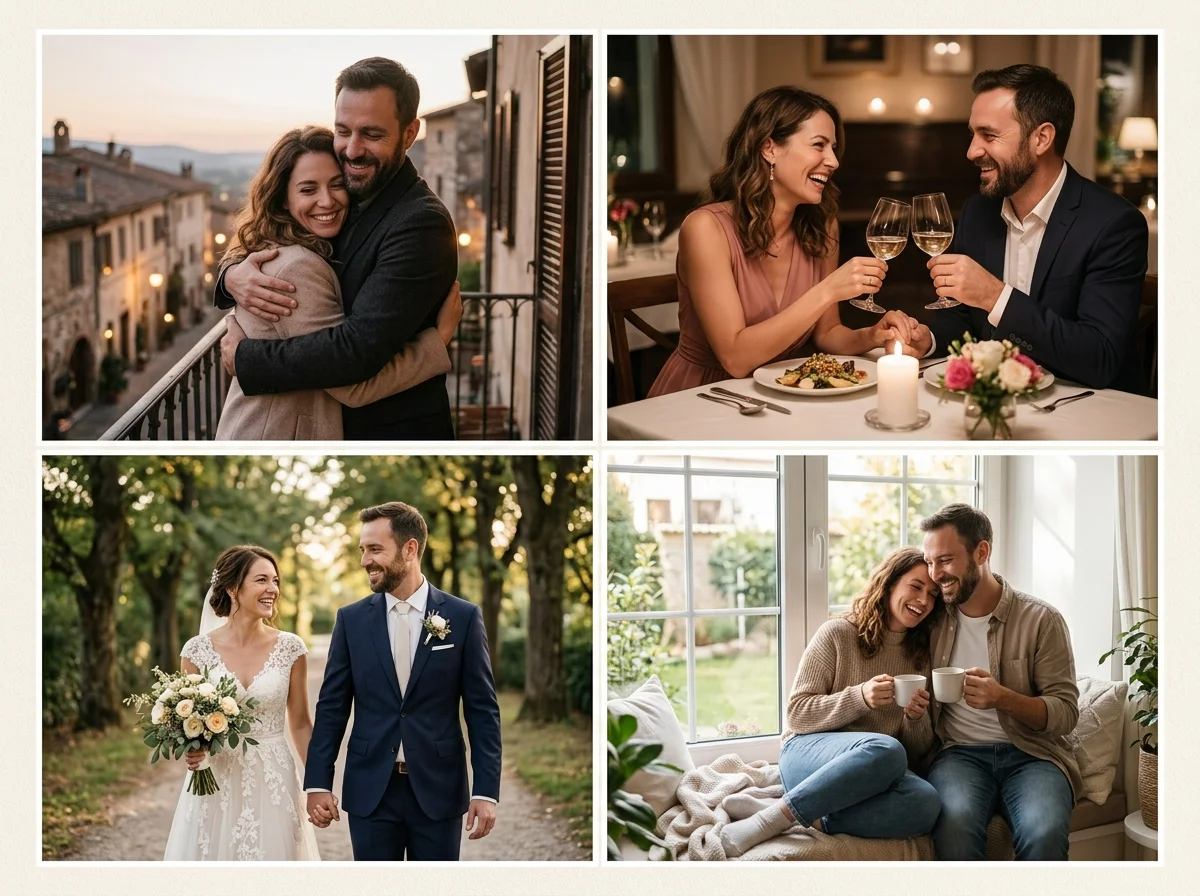
Love scene and couple photo guides show where romantic stills fit in your workflow.
Explore nearby love-image packs
- Romantic SceneOpen the Romantic Scene guide to compare lighting, framing, and prompt ideas with love scene.
- Couple PhotoOpen the Couple Photo guide to compare lighting, framing, and prompt ideas with love scene.
- Wedding PhotoOpen the Wedding Photo guide to compare lighting, framing, and prompt ideas with love scene.
- Wedding CardOpen the Wedding Card guide to compare lighting, framing, and prompt ideas with love scene.
- Maternity PhotographySee how maternity photography differs from love scene before you spend another image credit.
- Baby GeneratorSee how baby generator differs from love scene before you spend another image credit.
Romance video generators
- Couple Video GeneratorTurn strong love scene stills into short romantic motion when a photo alone is not enough.
- Wedding Photo AnimationAnimate ceremony portraits after you nail the still look on this page.
- AI Kiss Video GeneratorAdd tasteful lip-contact clips that pair with couple or wedding photo packs.
- Romantic KissExplore kiss-style video guides when your love-image story needs motion.
FAQ — AI love scene
Explicit content?
Prohibited—see Content Policy.
Vs romantic scene?
Love scene is closer; romantic scene is wider environmental storytelling.
Black and white?
Add monochrome or film grain in prompts.
Same-sex couples?
Upload authorized portraits; prompts remain neutral.
Print quality?
Generate max resolution your plan allows before printing.
Animate?
Use kiss or couple video generators for motion.
Multiple renders?
Keep sources; swap mood words for a series.
Dating profile use?
See AI Dating Photos packs for profile-specific framing.