Espaço de trabalho de fotos para Tinder
Apenas fotos de adultos autorizadas · Pré-visualização de UI, upload ainda não conectado
Enviar imagens (optional)
Image model · 5 credits per generate · Google Nano Banana 2 Lite (Gemini) · 1:1 · Low
NSFW, violence/gore, hate, CSAM, deepfakes, and IP infringement are blocked. See Content Policy for full rules.
Resultado
HistóricoAinda sem resultado
Seu último fotos do tinder AI aparecerá aqui quando a geração estiver conectada.
AI Dating Photos guide
Gerador de fotos para Tinder com IA — Rascunhos de perfil amigáveis ao swipe
O que é um gerador de fotos para Tinder com IA?
Ajuste selfies para feeds estilo Tinder: contraste brilhante, sorrisos acessíveis e fundos simples que leiam em tamanho miniatura. Este pack foca em primeiras impressões rápidas—não perfeição de estúdio.
Mantenha rascunhos de prática privados até confirmar semelhança e seguir as guias atuais de fotos do Tinder. Combine com packs de Bumble ou Hinge para comparar tom entre apps.
Teste de miniatura antes de publicar
A interface do Tinder premia contraste e legibilidade instantânea. Este guia ajusta prompts para fotos principais brilhantes e amigáveis que sobrevivem ao recorte agressivo em miniatura.
Reduza cada render ao tamanho de um selo no celular. Se seus olhos sumirem ou seu sorriso achatar, clareie o prompt ou refaça o selfie de origem de frente para a janela.
Foto principal versus slots secundários
O slot um permanece solo, sorrindo e bem iluminado. Slots posteriores podem mostrar hobbies ou viagem—ainda com seu rosto visível. Nunca lidere com óculos escuros, confusão de grupo ou paisagens distantes.
Atualizações sazonais e qualidade de matches
Cortes de cabelo, barba e casacos de inverno envelhecem rápido nos feeds. Programe uma atualização trimestral com o mesmo fluxo para que melhorias se acumulem.
Redação de luz diurna de alto contraste
Frases como «luz natural brilhante» e «fundo limpo» empurram o modelo para pop amigável ao swipe sem saturação de caricatura.
Zonas seguras verticais
Assuma que um recorte 4:5 pode cortar bordas. Mantenha o rosto centralizado com margem acima da cabeça e espaço abaixo do queixo para sobreposições da UI.
Teste cruzado com packs de Bumble e Hinge
Exporte o mesmo selfie por outros guias de app. Se só os renders de Tinder parecerem certos, sua principal pertence aqui; fotos mais quentes ou narrativas podem ficar em outro lugar.
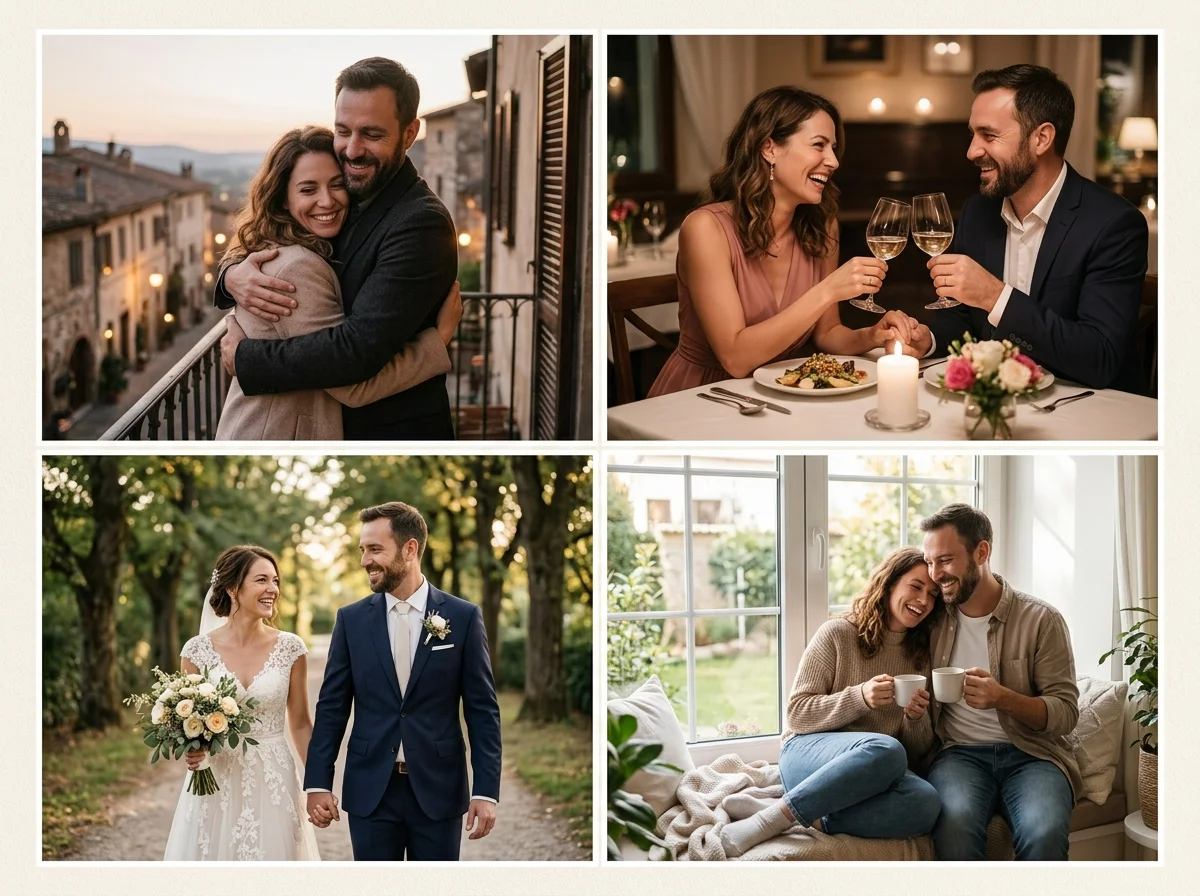
O Tinder favorece clareza e calor
A foto principal deve mostrar olhos e sorriso na hora. Evite óculos escuros, filtros pesados ou multidões carregadas que encolhem seu rosto na pilha de cards.
Use o hub de fotos para encontros para dicas gerais; volte aqui quando otimizar especificamente para a UI de swipe de alto contraste.
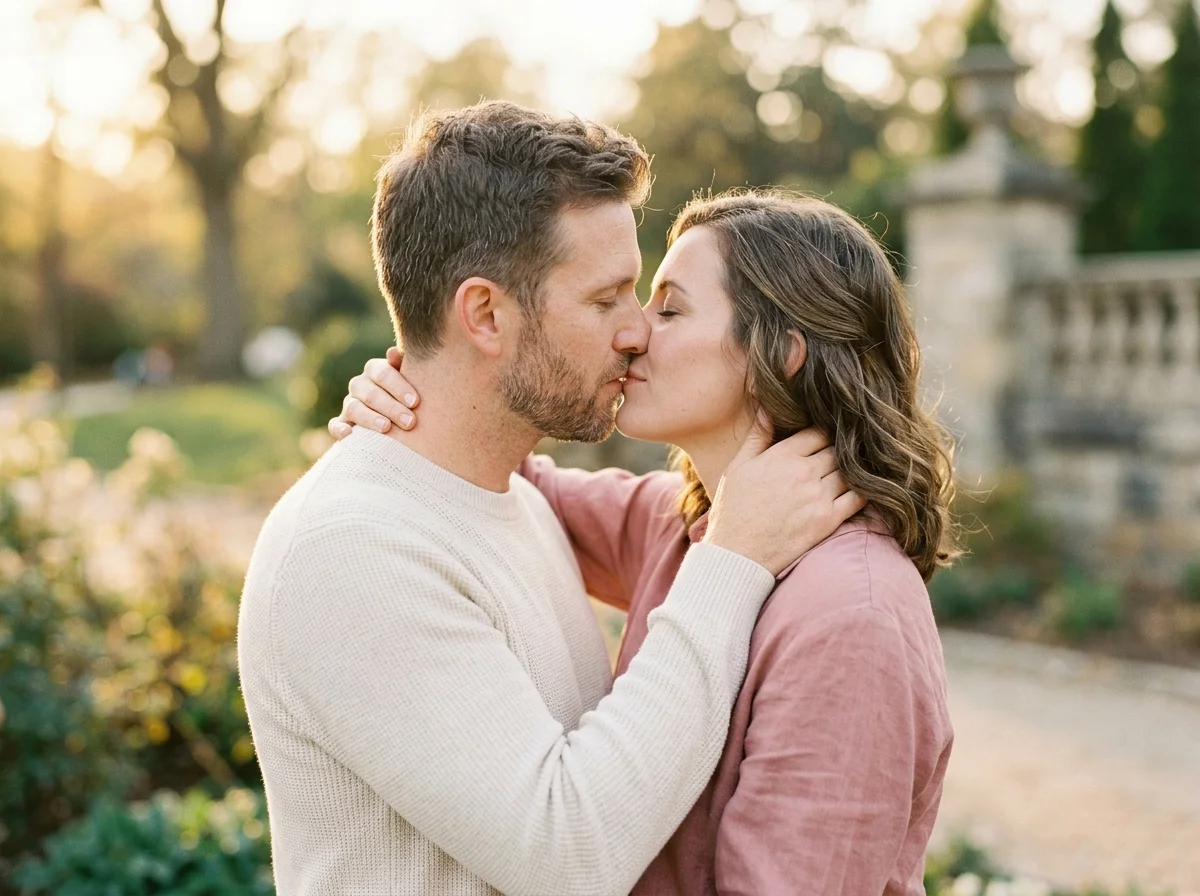
Checklist de selfie para Tinder
Luz diurna perto de uma janela, câmera na altura dos olhos, leve inclinação de cabeça opcional. Zonas seguras de recorte para UI vertical.
Atualize a foto principal por estação—imagens velhas reduzem a qualidade de matches com o tempo.
Prompts orientados ao Tinder
«foto casual para tinder, luz diurna brilhante, sorriso genuíno, fundo limpo, look relaxado de fim de semana».
Tinder versus Bumble versus Hinge
O Tinder inclina ousado e brilhante. O Bumble favorece polimento amigável. O Hinge premia momentos candid narrativos—teste os três packs linkados.
Renovação da foto principal
Maximize legibilidade em miniatura.
Fotos secundárias de hobby
Peça contextos de trilha, café ou academia com honestidade.
Abertura de viagem
Rosto claro sozinho—não só costas diante de monumentos.
A/B de look
Mesma base de selfie, cores de camisa diferentes.
Auditoria pré-exclusão
Compare novos rascunhos com o desempenho de matches antigos.
Fluxo de fotos para Tinder
Follow these steps in order. Change one variable at a time—source photo, ratio, or prompt—so you can see what actually improves your Gerador de fotos para Tinder com IA.
- 1
Envie selfie recente
Você sozinho, bem iluminado.
- 2
Use 4:5 ou 1:1
Combine com o recorte no app.
- 3
Peça clima casual brilhante
Sorriso, fundo limpo.
- 4
Upload manual no app
Você controla a publicação final.
Por que orientação específica do Tinder com IA
Dicas conscientes de miniatura
A orientação enfatiza olhos, sorriso e contraste para que fotos principais sobrevivam ao recorte pequeno de card do Tinder.
Links cruzados de apps
As páginas de Bumble e Hinge ajudam a afinar calor e fotos narrativas na mesma lineup de perfil.
FAQ de ética
Perguntas de catfish, semelhança e verificação respondidas antes de publicar.
Iteração privada
Nada sobe automaticamente no Tinder—você escolhe o que exportar e quando.
Outros packs de fotos para apps de encontros
- Fotos para encontrosCompare o enquadramento de fotos para encontros com foto para tinder antes de atualizar um perfil.
- Fotos para BumbleCompare o enquadramento de fotos para bumble com foto para tinder antes de atualizar um perfil.
- Fotos para HingeCompare o enquadramento de fotos para hinge com foto para tinder antes de atualizar um perfil.
- Retrato profissionalCompare o enquadramento de retrato profissional com foto para tinder antes de atualizar um perfil.
- Fotos de estilo de vida de luxoAbra Fotos de estilo de vida de luxo para testar outro look de perfil junto a foto para tinder.
- Fotos de modaAbra Fotos de moda para testar outro look de perfil junto a foto para tinder.
Hubs de perfil e romance
- Hub de fotos para encontros com IAVolte ao guia geral de fotos para encontros para o básico que vale em todos os apps.
- Foto de casalPasse da prática de perfil solo para fotos de estilo de vida em casal quando sua história mudar.
- Gerador de vídeo de beijo com IAConteúdo romântico em movimento opcional—só se encaixar na sua estratégia de perfil e nas políticas.
- Gerador de vídeo de casalClipes curtos para compartilhar em privado—não substituem fotos de perfil claras.
Ética de fotos para Tinder
Fotos enganosas com IA violam confiança e podem infringir os termos do app. Política de conteúdo, Privacidade, Termos.
Fotos para Tinder com IA — FAQ
Fotos de grupo?
Evite no slot principal; packs solo funcionam melhor.
Academia sem camisa?
Políticas e regras do app podem limitar poses sexualizadas.
Filtros?
Cor sutil ok; filtros de beleza pesados reduzem confiança.
Vários apps?
Compare geradores de Bumble e Hinge.
Selfies de verificação?
Use câmera real para verificação; rascunhos com IA são à parte.
Pets?
Um rosto claro mais pet pode funcionar como secundária.
Fotos noturnas?
Ruidosas; prefira fontes com luz diurna.
Fotos de casal?
Pack errado—use ferramentas de foto de casal.