Рабочая область свадебного фото
Только авторизованные фото взрослых · UI-превью, загрузка пока не подключена
Загрузить изображения (optional)
Image model · 5 credits per generate · Google Nano Banana 2 Lite (Gemini) · 1:1 · Low
NSFW, violence/gore, hate, CSAM, deepfakes, and IP infringement are blocked. See Content Policy for full rules.
Результат
ИсторияРезультата пока нет
Ваш последний AI свадебные фото появится здесь после подключения генерации.
AI Images Love guide
Генератор свадебного фото с ИИ — церемониальные портреты из разрешённых изображений
Что такое генератор Генератор свадебного фото на ИИ?
Создавайте элегантные свадебные фото из помолвочных или церемониальных портретов, которыми вы владеете. Пакет свадебного фото AiKissGo подчёркивает цветочные детали, формальную осанку и мягкий дневной свет, уважающий тон настоящих торжеств.
Используйте эту страницу для приватных референсов приглашений, дополнений к альбому или сольных кадров перед анимацией в хабе свадебной анимации. Держите промпты формальными — избегайте шуточных формулировок, которые ломают ощущение торжества у модели.
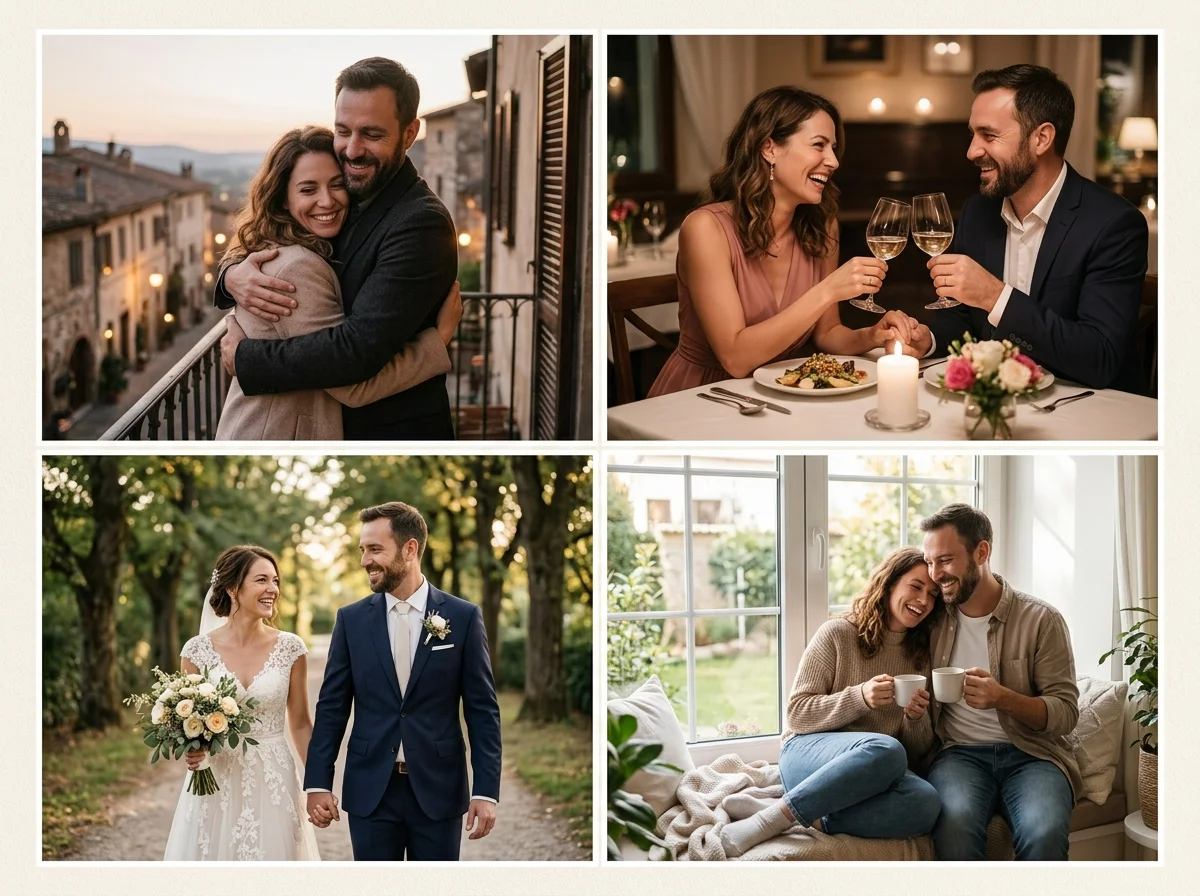
Церемониальные кадры без пересъёмки
ИИ свадебного фото должен подчёркивать линии наряда, расположение букета и мягкость фона, сохраняя лица верными исходникам. Начните с самого резкого кадра помолвки или церемонии.
Когда позже понадобится движение, те же портреты могут питать анимацию свадебного фото с минимальными изменениями промпта — сначала сольная элегантность, затем движение.
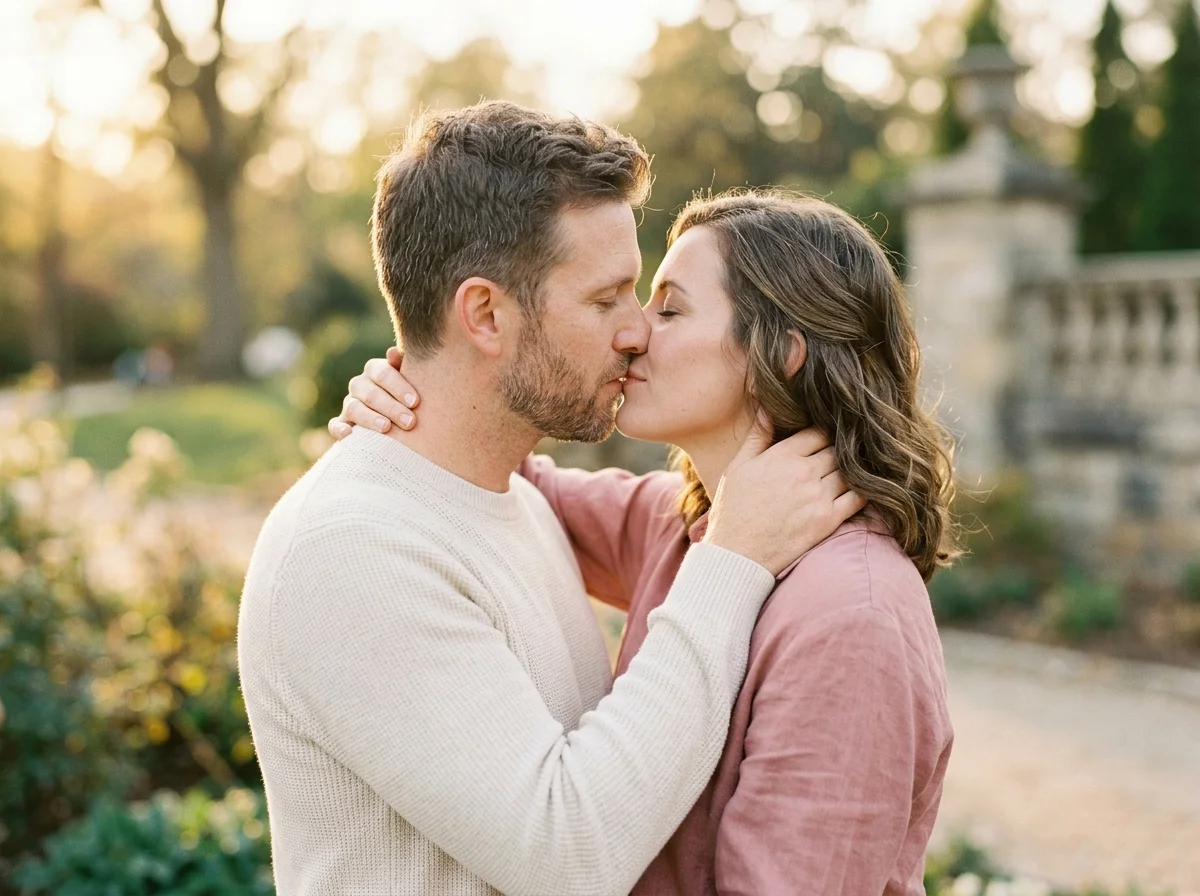
Выбор исходных свадебных фото
Формальные портреты высокого разрешения лучше переполненных кадров прохода. Лица должны быть незакрыты; фаты и лацканы выглядят лучше, когда детали исходника чёткие.
Холодный и тёплый баланс белого должны совпадать между загрузками пары. Смешанная цветовая температура — частая причина мутной кожи на свадебных композитах.
Примеры промптов для свадебного фото
Образец: «элегантное свадебное фото, мягкий дневной свет, цветочная арка, естественная романтическая поза, тонкая кружевная деталь». Сначала свет площадки, затем реквизит.
Свадебное фото vs свадебная открытка vs фото пары
Свадебное фото нацелено на портретную элегантность. Свадебная открытка добавляет негативное пространство под типографику. Фото пары ближе к casual lifestyle — выберите пакет под задачу.
Мудборды приглашений
Черновите формальные кадры, задающие тон, прежде чем дизайнер сверстает печатные или цифровые приглашения.
Заполнение пробелов в альбоме
Дополните недостающие ракурсы дня AI-кадрами в вашей цветокоррекции.
Приватные семейные галереи
Делитесь формальными фото пары только с гостями, согласившимися на изображение.
Исходные кадры для анимации
Передайте церемониальные портреты в свадебную анимацию для медленного, сдержанного движения.
Колбэки годовщины
Воссоздайте свадебный свет спустя годы, используя архивные фото, которые вы всё ещё можете применять.
How to Create AI свадебное фото Images
Follow these steps in order. Change one variable at a time—source photo, ratio, or prompt—so you can see what actually improves your Генератор свадебного фото с ИИ.
- 1
Выберите формальные исходники
Помолвочные, first look или портреты сессии, на которые у вас есть права.
- 2
Выберите печатное соотношение
4:5 и 3:2 подходят альбомам; 9:16 — приватным story-черновикам.
- 3
Опишите настроение площадки
Опишите цветы, дневной свет и осанку — не сенсационные прилагательные.
- 4
Проверьте ткань и лица
Исправляйте кружево, фату или кожу, меняя одну переменную за рендер.
Why Use AiKissGo for AI свадебное фото?
Формальный тон по умолчанию
Промпты ведут к церемониально уместному романсу, а не к casual party-снимкам.
Связанные пути открытки и анимации
Переходите к гидам свадебной открытки или анимации без поиска несвязанных инструментов.
Контроль сходства
Вы выбираете пару; ИИ подстраивает обстановку и полировку вокруг разрешённых лиц.
Понятные подсказки для новичков
Разделы объясняют соотношение, свет и согласие, чтобы первые пользователи избегали размытых лиц и ошибок политики.
Связанные свадебные и романтические image-пакеты
- Свадебная открыткаОткройте гид по свадебной открытке, чтобы сравнить свет, кадрирование и идеи промптов со свадебным фото.
- Фото парыОткройте гид по фото пары, чтобы сравнить свет, кадрирование и идеи промптов со свадебным фото.
- Романтическая сценаОткройте гид по романтической сцене, чтобы сравнить свет, кадрирование и идеи промптов со свадебным фото.
- Сцена любвиОткройте гид по сцене любви, чтобы сравнить свет, кадрирование и идеи промптов со свадебным фото.
- Фотосъёмка беременностиПосмотрите, чем фотосъёмка беременности отличается от свадебного фото, прежде чем тратить ещё один кредит на изображение.
- Генератор малышаПосмотрите, чем генератор малыша отличается от свадебного фото, прежде чем тратить ещё один кредит на изображение.
Хабы свадебного motion и видео
- Генератор видео для парПревратите сильные сольные кадры свадебного фото в короткое романтическое движение, когда одного фото недостаточно.
- Анимация свадебного фотоАнимируйте церемониальные портреты после того, как зафиксируете сольный образ на этой странице.
- Генератор видео AI KissДобавьте сдержанные клипы с контактом губ, которые сочетаются с парными или свадебными фото-пакетами.
- Романтический поцелуйИзучите видеогиды в стиле поцелуя, когда вашей love-image истории нужно движение.
Согласие для свадебного фото
Гости и пара должны согласиться на AI-обработку и шаринг. Маркетинговое использование требует явного разрешения. Политика контента, Конфиденциальность, Условия.
FAQ — AI свадебное фото
Могу ли я заменить пропущенный церемониальный кадр?
Можно дополнить приватные альбомы, если у вас есть права на исходники и согласие всех.
Создаёт ли это приглашения?
Используйте пакет свадебной открытки для кадров с местом под текст.
Какой свет лучше для свадебного ИИ?
Мягкая открытая тень или золотой час стабилизируют кожу и детали платья.
Могу ли я анимировать эти фото?
Да — откройте анимацию свадебного фото, когда понравится сольный превью.
Групповые снимки?
Кадры с фокусом на паре работают лучше; большие группы снижают согласованность лиц.
Коммерческое студийное использование?
Ознакомьтесь с Условиями и договорами с клиентами перед продажей AI-свадебного арта.
Водяные знаки на превью?
Проверьте активный кредитный план в рабочей области.
Религиозная или культурная одежда?
Описывайте наряд уважительно в промптах; держите разрешённые референсы точными.