Artificial Intelligence Kiss
Turn authorized portraits into an artificial intelligence kiss video—pick a kissing style, upload clear faces, and preview artificial intelligence kissing motion on AiKissGo before you share anything privately.
Authorized adult photos only
What Is an Artificial Intelligence Kiss Video?
An Artificial Intelligence Kiss video animates still photos into a short romantic clip where faces stay recognizable and motion feels intentional. You supply portraits you may use, choose how soft or cinematic the Artificial Intelligence Kiss should feel, and review a private draft—no stock actors and no strangers’ likenesses.
Artificial Intelligence Kiss tools work best with even lighting, matched head scale, and honest prompts. AiKissGo focuses on that workflow: consent-first uploads, dozens of kiss-style landings, and linked hug or couple tools when you want motion beyond a single Artificial Intelligence Kiss moment.
Recognizable faces
Artificial Intelligence Kiss output should still look like the people in your uploads—clear eyes and front-facing sources matter most.
Style control
Soft pecks, cinematic dips, and playful kisses each need different Artificial Intelligence Kiss prompts and timing words.
Fast iteration
Change one variable—lighting, ratio, or style—between Artificial Intelligence Kiss previews instead of rebuilding from scratch.
Private by default
Your Artificial Intelligence Kiss drafts stay in your review flow until you choose to download or share.
Artificial Intelligence Kiss styles
Preview Artificial Intelligence Kiss moods before you export
Compare romantic, soft, and cinematic artificial intelligence kissing references below. When a mood matches your photos, open the generator and run your first artificial intelligence kiss video preview.
Need tighter framing? Adjust source crops, then regenerate the same Artificial Intelligence Kiss style. Full controls live on the AI kiss video generator.
How to make an Artificial Intelligence Kiss video
Pick an Artificial Intelligence Kiss style
Open the generator or a style landing—romantic, soft, French, wedding, or playful—and note the default prompt as your starting point.
Upload authorized adult photos
Use two clear portraits or one couple image you may use. Matched face size helps any Artificial Intelligence Kiss render keep both people recognizable.
Describe light and closeness
Write a short prompt: golden-hour Artificial Intelligence Kiss, gentle peck, slow cinematic dip. Change one phrase per preview.
Review, refine, download
Watch the Artificial Intelligence Kiss draft at full size, tweak ratio or prompt if needed, then export when generation and your plan allow.
Beyond a single clip
What you can build after an Artificial Intelligence Kiss draft
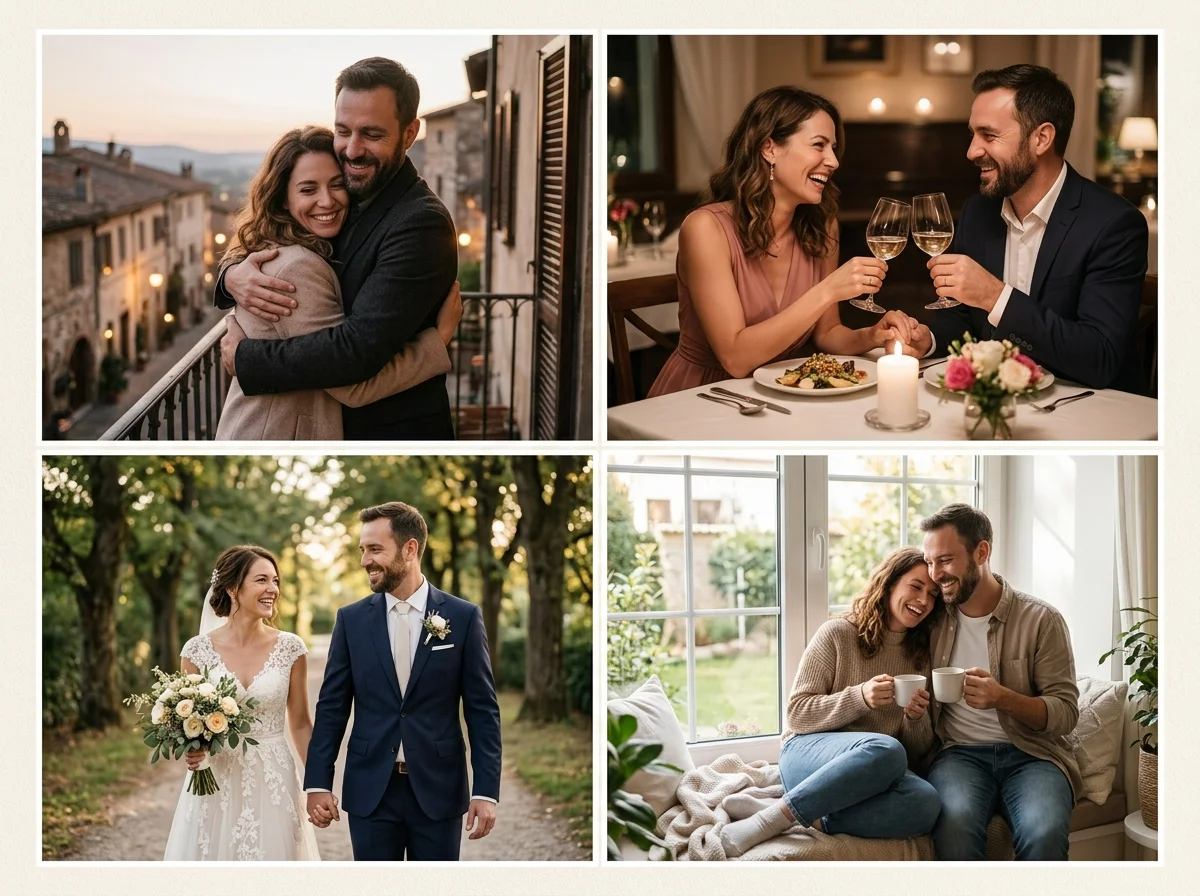
Many couples start with one Artificial Intelligence Kiss preview, then branch to hug videos, anniversary montages, or still couple photos using the same authorized uploads.
Keep likeness consistent: reuse winning Artificial Intelligence Kiss prompts as a baseline when you open hug, wedding animation, or couple video tools linked from this hub.
- Extend motion — hug clips, anniversary edits, and wedding photo animation from the same faces.
- Create stills — couple, wedding, and romantic scene packs when you need photos instead of an Artificial Intelligence Kiss loop.
- Stay consent-first — adults only, authorized photos, and policy links before any public post.
When couples use Artificial Intelligence Kiss previews
Long-distance partners draft an Artificial Intelligence Kiss clip for a private message. Engaged couples test ceremony lighting before paying for reshoots. Creators storyboard romance beats with an Artificial Intelligence Kiss frame before filming.
Every use case starts the same way: two clear adult portraits or one couple photo you own, a chosen Artificial Intelligence Kiss style, and a short prompt about light and mood—then you review before anyone else sees the file.
Anniversary messages
Send a tasteful Artificial Intelligence Kiss preview when you cannot meet in person.
Wedding teasers
Pair an Artificial Intelligence Kiss clip with invitation stills or animation landings.
Style rehearsal
Test peck vs cinematic dip Artificial Intelligence Kiss styles on the same selfies.
Long-distance keepsakes
Archive Artificial Intelligence Kiss drafts in a private album—not a public gallery.
Content planning
Lock an Artificial Intelligence Kiss color grade before longer couple video renders.
Gift concepts
Draft an Artificial Intelligence Kiss moment as a digital card alongside printed photos.
Artificial Intelligence Kiss output is for private romantic use unless you hold full rights to every likeness and follow AiKissGo Terms and Content Policy for public sharing.
Tools that pair with Artificial Intelligence Kiss workflows
After your Artificial Intelligence Kiss preview looks right, open linked generators for hugs, couple montages, wedding motion, or step-by-step how-to guides.
AI Kiss Video Generator
Full Artificial Intelligence Kiss controls, style chips, and export settings.
Free Artificial Intelligence Kiss trial
Test an Artificial Intelligence Kiss preview within live product limits.
AI Hug Video Generator
Warm embrace motion using the same photos as your Artificial Intelligence Kiss draft.
Couple Video Generator
Longer romance edits when a single Artificial Intelligence Kiss clip is not enough.
Wedding Photo Animation
Slow ceremony motion from portraits that already worked in Artificial Intelligence Kiss tests.
How to make an AI kissing video
Step-by-step Artificial Intelligence Kiss tutorial with photo and prompt checklists.
Why AiKissGo
Why create an Artificial Intelligence Kiss video on AiKissGo
Kiss-style depth
Forty-plus style landings—from soft pecks to cinematic dips—so your Artificial Intelligence Kiss prompt starts specific instead of generic.
Photo-to-video clarity
Upload guidance explains head scale, lighting, and dual-portrait framing that Artificial Intelligence Kiss models need to avoid muddy faces.
Consent built in
Adults only, authorized likenesses, and visible policy links—Artificial Intelligence Kiss clips should never borrow strangers or celebrities.
Romance toolkit in one brand
Move from Artificial Intelligence Kiss previews to hugs, couple photos, or wedding motion without hunting unrelated sites.
FAQ — Artificial Intelligence Kiss videos
What is an Artificial Intelligence Kiss video?
It is a short animated clip that turns still photos into a kiss moment using machine learning. A good Artificial Intelligence Kiss keeps faces recognizable and motion tasteful for private romantic sharing.
How many photos do I need?
One couple photo or two solo portraits of consenting adults. Artificial Intelligence Kiss quality drops when faces are tiny, blurry, or poorly lit—fix the source before chasing new styles.
Is Artificial Intelligence Kiss generation free?
Free tiers may cap length, resolution, or daily previews. Check live limits on the free Artificial Intelligence Kiss generator page before assuming unlimited exports.
Will people look like themselves?
Clear, front-facing uploads help. If an Artificial Intelligence Kiss preview drifts from a likeness, reshoot the selfie or shorten the prompt before trying another style.
Can I use Artificial Intelligence Kiss clips commercially?
Only if you hold rights to every face and follow AiKissGo Terms, Privacy, and Content Policy plus local law. Default guidance assumes private romantic use.
What is artificial intelligence kissing?
It is the animated lip-contact motion in a short clip—not a still filter. Good artificial intelligence kissing keeps faces steady, timing gentle, and likeness close to your authorized uploads.
How is an artificial intelligence kiss video different from a photo edit?
A photo edit freezes one frame. An artificial intelligence kiss video adds seconds of believable movement between two people while preserving the faces you supplied.
Are uploads public?
Treat uploads as sensitive. Read Privacy Policy for retention rules when the product backend is live. Never upload people who have not authorized an Artificial Intelligence Kiss render.
What should I try after my first Artificial Intelligence Kiss?
Hug videos, couple montages, wedding animation, or a how-to guide if you want a slower tutorial. Reuse the same photos and lighting words for consistent results.
Ready for your Artificial Intelligence Kiss preview?
Upload authorized adult photos, choose a kiss style, and generate a private Artificial Intelligence Kiss clip on AiKissGo.
Open the kiss generator