Headshot image workspace
Authorized adult photos only · Sign in to generate with credits
Upload Images (optional)
Image model · 5 credits per generate · Google Nano Banana 2 Lite (Gemini) · 1:1 · Low
NSFW, violence/gore, hate, CSAM, deepfakes, and IP infringement are blocked. See Content Policy for full rules.
Result
HistoryNo result yet
Your latest AI headshot photos will appear here after generation.
AI Dating Photos guide
AI Headshot Generator — Clean Professional Portrait Drafts
What Is an AI Headshot Generator?
Produce clean headshot drafts for LinkedIn, resumes, speaker bios, and dating profiles that need a sharper tone than casual selfies. Focus stays on even light, neutral backgrounds, and confident expressions.
Headshot AI complements—not replaces—professional photographers for high-stakes careers. Use renders to test wardrobe and backdrop choices before a studio session.
Shoulder-up framing that reads on every screen
A credible headshot whispers competence: even light, neutral backdrop, relaxed jaw. This generator helps you rehearse those choices before you hire a photographer or update LinkedIn and dating profiles.
Crop between mid-chest and top of head with a little space above the hairline. Tilt shoulders slightly, not the lens. For dating, one polished headshot among casual photos signals effort without feeling corporate.
Wardrobe prompts that stay believable
Describe fabric and fit—navy blazer, soft knit, crisp collar—instead of brand names. Solid colors beat busy patterns that moiré on phone screens. Match the outfit to contexts you actually inhabit.
Retouching ethics for work and dating
Minor cleanup is common; identity changes are not. Keep glasses, scars, and hair texture you wear daily. Employers and dating apps increasingly care whether AI altered your appearance materially.
Softbox-style even light
Ask for soft, even illumination with gentle falloff on the background. This mimics studio umbrellas and hides under-eye shadows without looking filtered.
Gray, white, or muted navy backdrops
Neutral backgrounds keep attention on your face and simplify batch exports for team pages. Avoid fake office bokeh unless it matches your real workplace vibe.
Expression notes that avoid stiffness
“Confident natural smile” or “approachable neutral” outperform “sexy” or “intense” for professional headshots. Generate several expressions; pick the one where your eyes smile too.
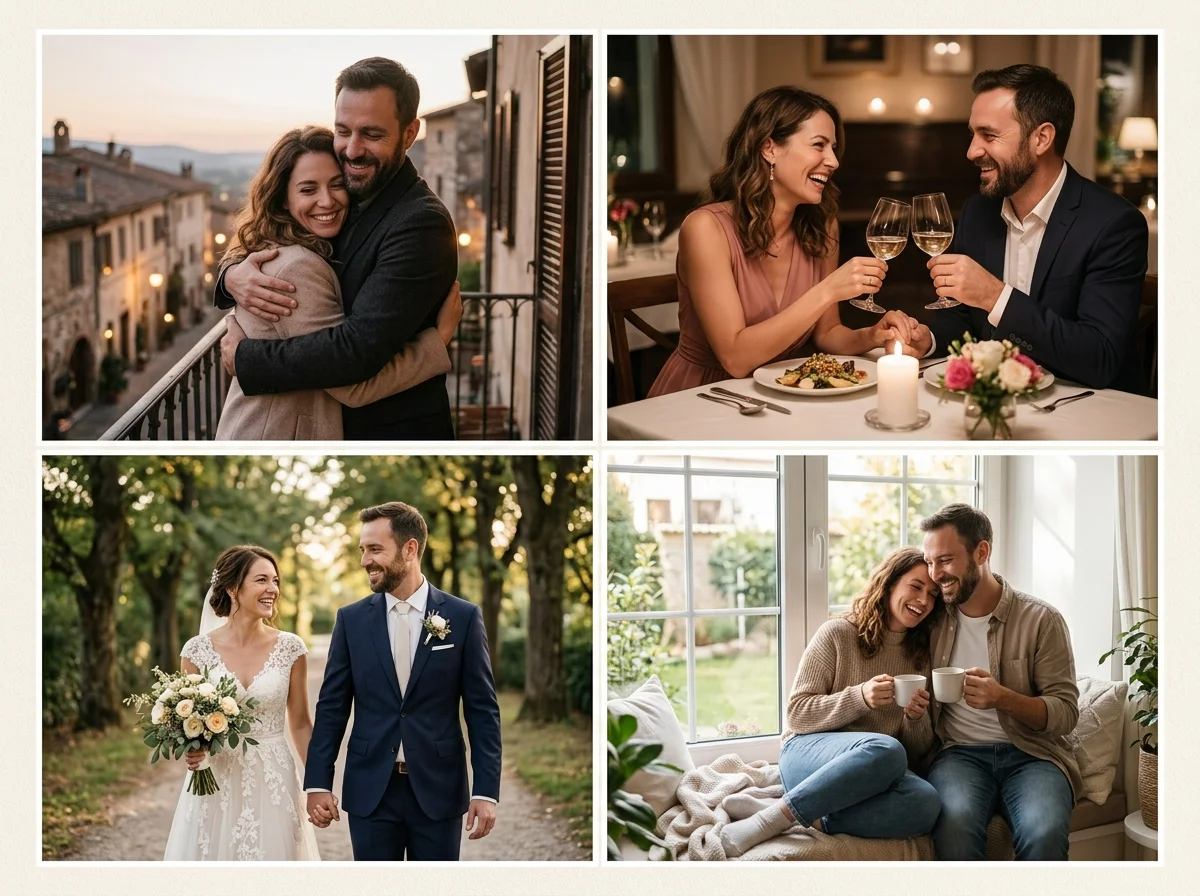
Professional headshots demand simplicity
Limit props, avoid busy patterns, and request shoulder-up framing. Upload a sharp selfie with open eyes and relaxed jaw.
Dating photo packs add warmth; fashion packs add styling drama—return here when you need corporate-neutral clarity.
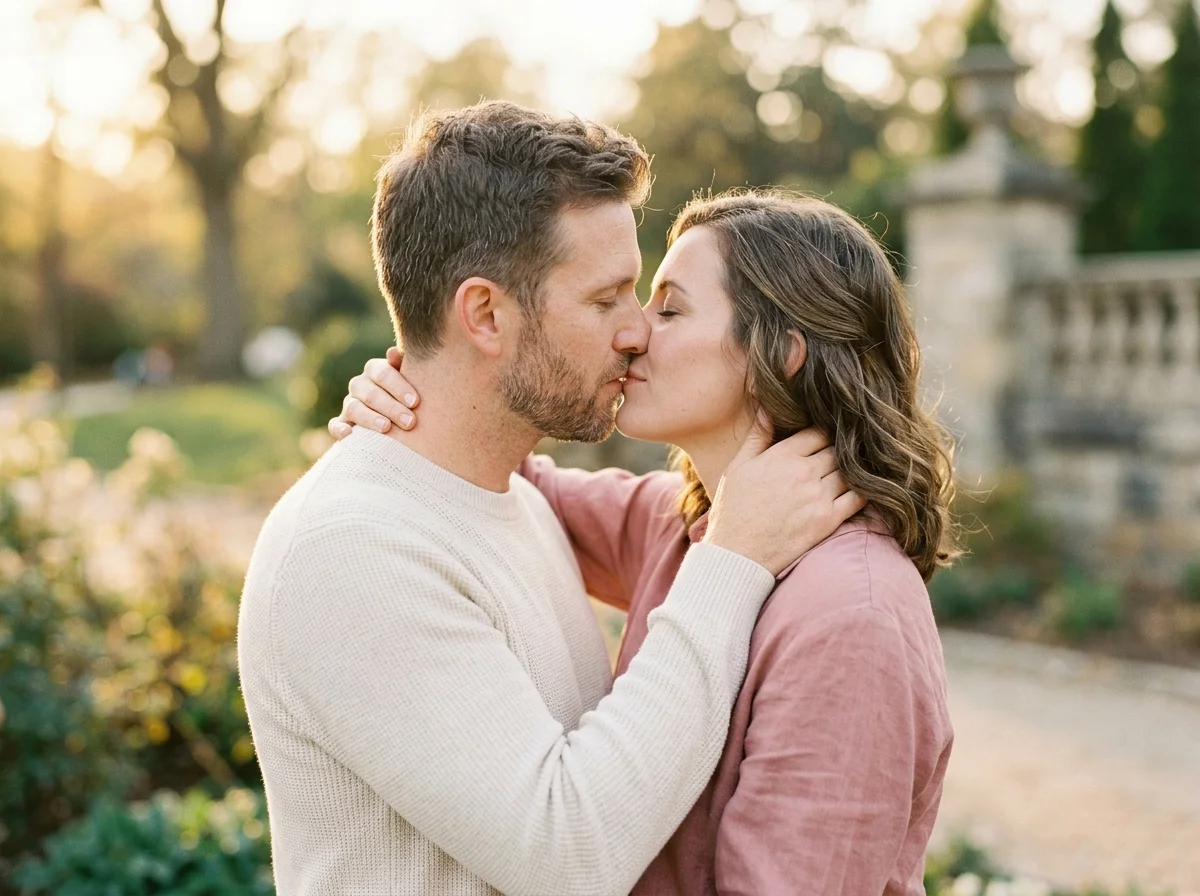
Headshot source tips
Even softbox-style light reduces under-eye shadows. Plain walls beat glass reflections behind you.
Glasses wearers should minimize glare by angling slightly toward light.
Headshot prompts
“professional headshot, soft even light, neutral gray backdrop, confident natural smile, business casual.”
Headshot vs dating vs fashion
Headshot = credible and neutral. Fashion = styled editorial. Dating = approachable casual—pick per channel.
LinkedIn refresh
Test blazer colors quickly.
Conference bios
Square crops for event sites.
Resume attachments
Subtle, trustworthy framing.
Dating profile secondary
One polished photo among casual shots.
Team page consistency
Match background tone across colleagues with aligned prompts.
How to Create AI headshot Images
Follow these steps in order. Change one variable at a time—source photo, ratio, or prompt—so you can see what actually improves your AI Headshot Generator.
- 1
Upload sharp selfie
Face forward, minimal makeup changes mid-series.
- 2
Choose square or 4:5
Match destination platform.
- 3
Prompt neutral studio look
Even light, simple backdrop.
- 4
Export best draft
Optional retouch in external tools.
Why AI headshots here
Neutral defaults
Prompts steer toward clean professional looks without gimmicky filters or busy backgrounds.
Cross-pack navigation
Fashion and dating guides one click away when you need casual or styled alternates.
Private review
Iterate before HR, clients, or matches see anything—you control every export.
Lighting and wardrobe help
Examples cover even light, backdrop color, and expression choices for resumes and profile secondaries.
Portrait packs near headshots
- Dating PhotosCompare dating photos framing with headshot before you update a dating profile.
- Fashion PhotosCompare fashion photos framing with headshot before you update a dating profile.
- Luxury LifestyleCompare luxury lifestyle framing with headshot before you update a dating profile.
- Hinge PhotosCompare hinge photos framing with headshot before you update a dating profile.
- Tinder PhotoOpen Tinder Photo to test another profile look alongside headshot.
- Bumble PhotoOpen Bumble Photo to test another profile look alongside headshot.
Profile & romance hubs
- AI Dating Photos HubReturn to the general dating photos guide for cross-app basics.
- Couple PhotoShift from solo profile practice to couple lifestyle stills when your story changes.
- AI Kiss Video GeneratorOptional romance motion content—only if it fits your profile strategy and policy.
- Couple Video GeneratorShort clips for private sharing—not a substitute for clear profile photos.
Headshot consent
Employer and dating platforms may require truthful likeness—do not misrepresent identity. Content Policy, Privacy, Terms.
FAQ — AI headshot
Replace corporate photographer?
Use for drafts; hire pros for official brand kits when required.
Background colors?
Gray, white, navy prompts work well.
Black tie?
Mention attire explicitly in prompt.
Multiple industries?
Swap blazer vs startup hoodie wording.
Glasses removal?
Keep real appearance; do not remove glasses if you wear them daily.
Dating apps?
Mix one headshot with casual dating photos for balance.
Resolution?
Export largest size; downscale for web.
AI disclosure?
Follow employer and platform rules about synthetic media.