헤드샷 이미지 작업 공간
승인된 성인 사진만 · UI 미리보기, 업로드는 아직 연결되지 않음
이미지 업로드 (optional)
Image model · 5 credits per generate · Google Nano Banana 2 Lite (Gemini) · 1:1 · Low
NSFW, violence/gore, hate, CSAM, deepfakes, and IP infringement are blocked. See Content Policy for full rules.
결과
기록아직 결과 없음
생성이 연결되면 최신 AI 헤드샷 사진이 여기에 표시됩니다.
AI Dating Photos guide
AI 헤드샷 생성기 — 깔끔한 프로페셔널 포트레이트 초안
AI 헤드샷 생성기란?
LinkedIn, 이력서, 연사 소개, 캐주얼 셀카보다 선명한 톤이 필요한 데이트 프로필을 위해 깔끔한 헤드샷 초안을 만듭니다. 균일한 빛, 무색 배경, 자신감 있는 표정에 집중합니다.
헤드샷 AI는 하이스테이크 커리어에서 프로 사진작가를 보완하지 대체하지 않습니다. 스튜디오 세션 전 옷·배경 선택을 시험하세요.
모든 화면에서 읽히는 어깨까지 구도
신뢰할 헤드샷은 능력을 속삭입니다: 균일한 빛, 뉴트럴 배경, 편안한 턱. 이 생성기는 사진작가를 고용하거나 LinkedIn·데이트 프로필을 업데이트하기 전 선택을 리허설하는 데 도움을 줍니다.
가슴 중앙부터 머리 위 약간 여백까지 크롭. 렌즈가 아니라 어깨를 약간 기울이세요. 데이트에서는 캐주얼 사진 중 다듬어진 헤드샷 한 장이 코퍼레이트 느낌 없이 노력을 보여줍니다.
믿을 수 있는 옷차림 프롬프트
브랜드명이 아니라 원단·핏을 기술—네이비 재킷, 소프트 니트, 깔끔한 칼라. 무지는 스마트폰에서 모아레하는 화려한 패턴에 이깁니다. 실제로 있는 맥락에 옷을 맞추세요.
직장·데이트 리터치 윤리
가벼운 정리는 흔합니다. 신원 변경은 아닙니다. 매일 쓰는 안경, 흉터, 머리 질감을 유지하세요. 고용주·데이트 앱은 AI가 외모를 실질적으로 바꿨는지 점점 더 신경 씁니다.
소프트박스 스타일 균일한 빛
배경에 부드러운 감쇠가 있는 부드럽고 균일한 조명을 요청하세요. 스튜디오 우산을 모방하고 필터 느낌 없이 눈 밑 그림자를 숨깁니다.
그레이, 화이트, 차분한 네이비 배경
뉴트럴 배경은 얼굴에 집중을 유지하고 팀 페이지 일괄보내기를 단순화합니다. 실제 직장 분위기와 맞지 않으면 가짜 오피스 보케는 피하세요.
뻣뻣함을 피하는 표정 메모
「자신감 있는 자연스러운 웃음」이나 「친근한 뉴트럴」이 프로페셔널 헤드샷에서 「섹시」「강렬」을 이깁니다. 여러 표정을 생성하고 눈도 웃는 것을 고르세요.
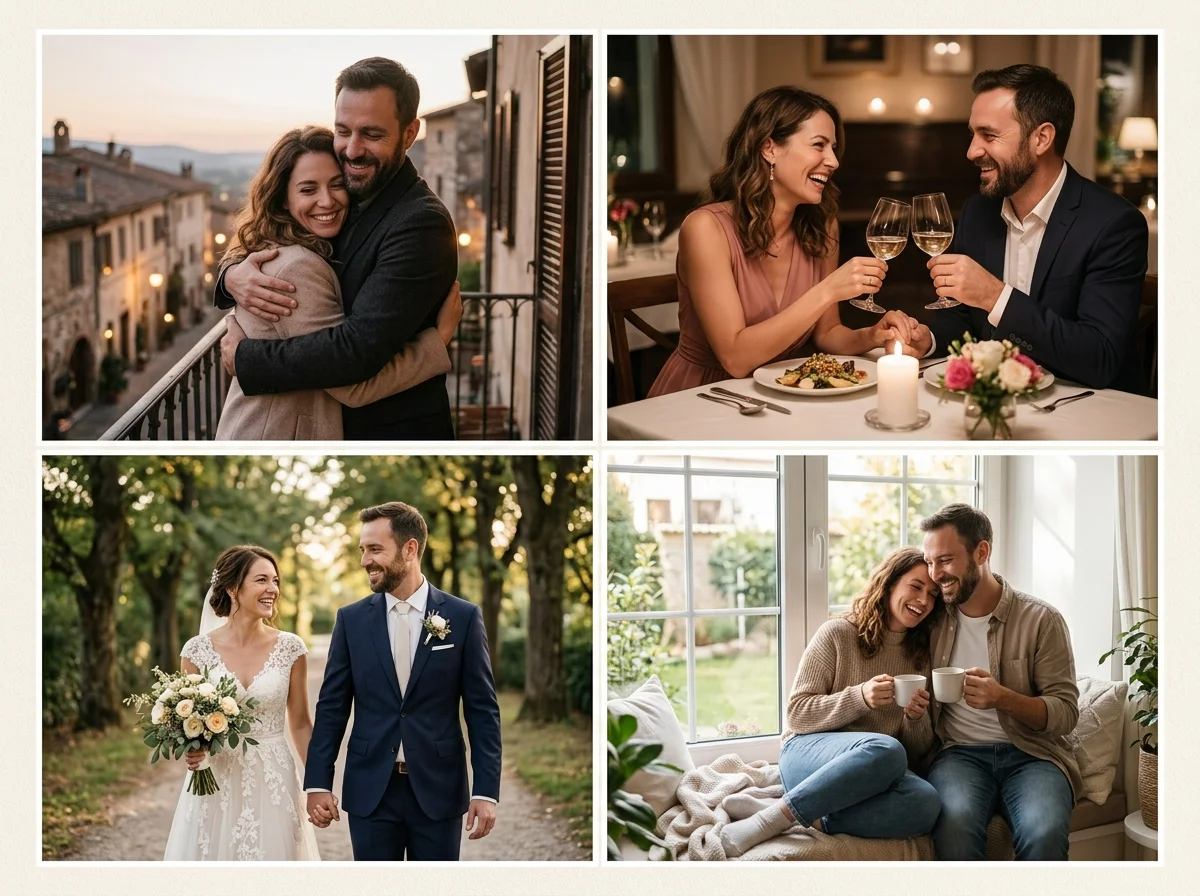
프로페셔널 헤드샷은 단순함이 핵심
소품을 줄이고, 화려한 패턴을 피하고, 어깨까지 구도를 요청하세요. 눈을 뜨고 턱을 편하게 한 선명한 셀카를 업로드하세요.
데이트 사진 패키지는 따뜻함을, 패션 패키지는 스타일 드라마를 추가합니다—코퍼레이트 뉴트럴 명확성이 필요할 때 여기로 돌아오세요.
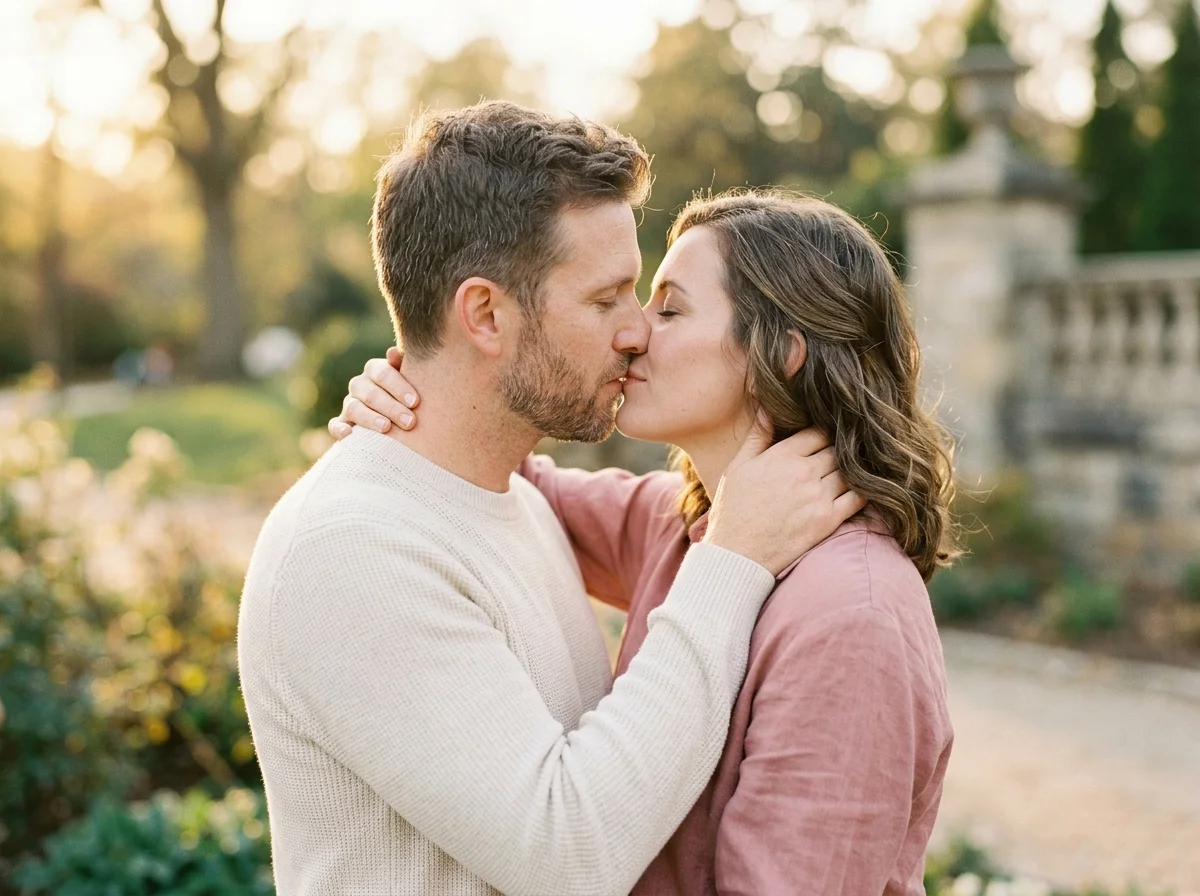
헤드샷 소스 팁
균일한 소프트박스 스타일 빛은 눈 밑 그림자를 줄입니다. 무색 벽이 뒤 유리 반사에 이깁니다.
안경 착용자는 빛을 약간 향하게 하여 반사를 최소화하세요.
헤드샷 프롬프트
「professional headshot, soft even light, neutral gray backdrop, confident natural smile, business casual.」
헤드샷 vs 데이트 vs 패션
헤드샷=신뢰할 뉴트럴. 패션=스타일 에디토리얼. 데이트=친근한 캐주얼—채널별로 선택하세요.
LinkedIn 갱신
재킷 색을 빠르게 테스트.
컨퍼런스 소개
이벤트 사이트용 정사각 크롭.
이력서 첨부
은은하고 신뢰할 구도.
데이트 프로필 보조
캐주얼 샷 중 다듬어진 한 장.
팀 페이지 일관성
맞춘 프롬프트로 동료 간 배경 톤 일치.
온라인에서 AI 헤드샷 생성 방법
Follow these steps in order. Change one variable at a time—source photo, ratio, or prompt—so you can see what actually improves your AI 헤드샷 생성기.
- 1
선명한 셀카 업로드
정면, 시리즈 중 메이크업 변경 최소.
- 2
정사각 또는 4:5 선택
대상 플랫폼에 맞추기.
- 3
뉴트럴 스튜디오 룩 프롬프트
균일한 빛, 단순 배경.
- 4
최고 초안보내기
외부 도구에서 선택적 리터치.
AiKissGo로 AI 헤드샷을 쓰는 이유
뉴트럴 기본값
프롬프트는 기교 필터·복잡한 배경 없이 깔끔한 프로페셔널 룩으로 이끕니다.
패키지 간 탐색
캐주얼·스타일 대안이 필요할 때 패션·데이트 가이드가 클릭 한 번.
비공개 검토
HR, 클라이언트, 매치가 보기 전 반복—모든보내기를 당신이 제어.
조명·옷차림 도움
예시는 균일한 빛, 배경색, 이력서·프로필 보조용 표정 선택을 다룹니다.
헤드샷 근처 포트레이트 패키지
- 데이트 사진데이트 프로필을 업데이트하기 전 데이트 사진 구도를 헤드샷과 비교하세요.
- 패션 사진데이트 프로필을 업데이트하기 전 패션 사진 구도를 헤드샷과 비교하세요.
- 럭셔리 라이프스타일데이트 프로필을 업데이트하기 전 럭셔리 라이프스타일 구도를 헤드샷과 비교하세요.
- Hinge 사진데이트 프로필을 업데이트하기 전 Hinge 사진 구도를 헤드샷과 비교하세요.
- Tinder PhotoTinder Photo를 열어 헤드샷과 나란히 다른 프로필 룩을 시험하세요.
- Bumble PhotoBumble Photo를 열어 헤드샷과 나란히 다른 프로필 룩을 시험하세요.
FAQ — AI 헤드샷
기업 사진작가 대체?
초안용. 공식 브랜드 키트가 필요하면 프로를 고용하세요.
배경색?
그레이, 화이트, 네이비 프롬프트가 잘 작동합니다.
블랙타이?
프롬프트에 복장을 명시하세요.
여러 업종?
재킷 vs 스타트업 후디 문구를 바꾸세요.
안경 제거?
실제 외모 유지. 매일 쓰면 제거하지 마세요.
데이트 앱?
균형을 위해 헤드샷 한 장과 캐주얼 데이트 사진을 섞으세요.
해상도?
최대 크기로보내기. 웹용 다운스케일.
AI 고지?
고용주·플랫폼 합성 미디어 규칙을 따르세요.