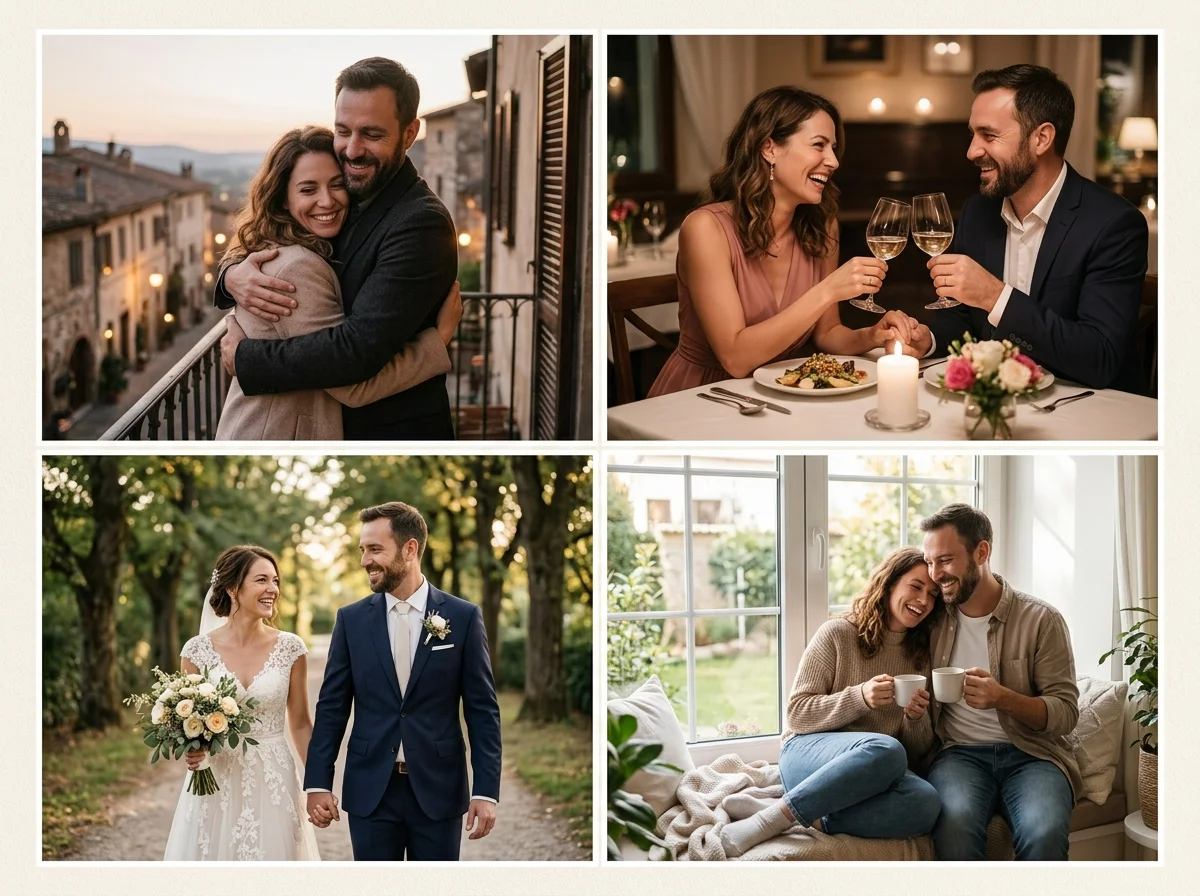
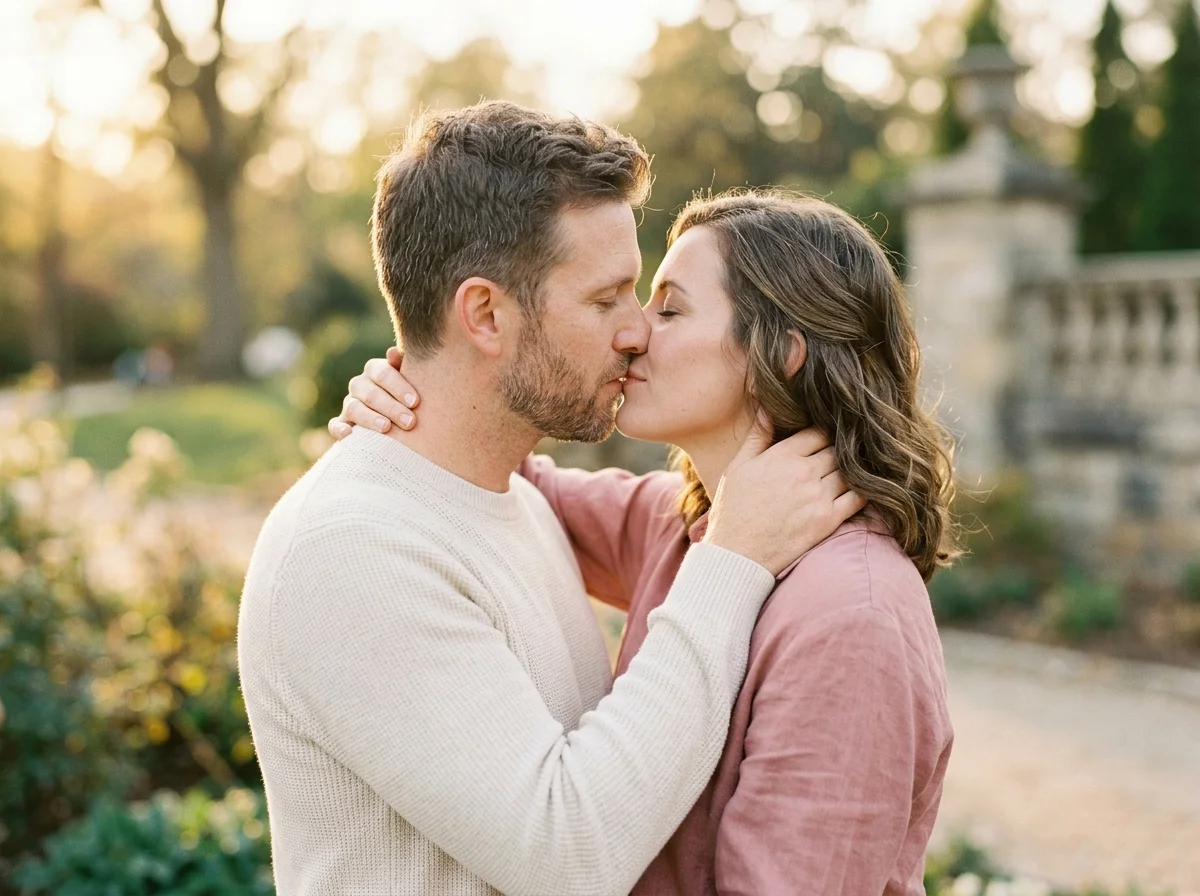
Wedding card image workspace
승인된 성인 사진만 · UI 미리보기, 업로드는 아직 연결되지 않음
이미지 업로드 (optional)
Image model · 5 credits per generate · Google Nano Banana 2 Lite (Gemini) · 1:1 · Low
NSFW, violence/gore, hate, CSAM, deepfakes, and IP infringement are blocked. See Content Policy for full rules.
결과
기록아직 결과 없음
생성이 연결되면 최신 AI 웨딩 카드이 여기에 표시됩니다.
AI Images Love guide
AI Wedding Card Generator — Invitation Art from Couple Photos
What Is an AI Wedding Card Generator?
Design wedding card artwork that leaves room for names, dates, and venue lines while showcasing an authorized couple portrait. This pack targets save-the-date aesthetics, cream-tone backgrounds, and typography-friendly negative space.
Pair results with print shops or digital invite tools you already use. AIKissGo supplies the romantic visual; you control final text, fonts, and delivery format outside the generator.

Cards need layout-aware romance
Wedding card AI should not crowd the center with busy backgrounds. Ask for soft borders, gentle bokeh, and upper or lower text zones so your designer can overlay copy cleanly.
When the couple portrait is strong, link to wedding photo or couple photo packs to refresh the hero image without changing card dimensions.

Source photos for invitation art
Vertical couple portraits often fit card templates better than wide landscape crops. Keep faces in the upper two-thirds if you plan headline text below.
Export at higher resolution when printers ask for 300 DPI—generate the master still here, then resize in your layout app.
Wedding card prompt cues
Example: “wedding card art, cream paper texture, soft floral border, couple portrait center, space for text below.” Always mention text space explicitly.
Card vs portrait vs scene packs
Cards prioritize layout. Wedding photo prioritizes formal portraiture. Romantic scene adds environment—mix only when your template has room.
Save-the-date drafts
Produce art for digital sends before letterpress orders.
Website hero banners
Wide crops with negative space suit wedding site headers.
Thank-you cards
Reuse ceremony portraits with softer floral prompts post-event.
Engagement party invites
Less formal lighting than ceremony packs—still authorized faces only.
Matching video teasers
Combine still card art with wedding animation for motion invites.
How to Create AI wedding card Images
Follow these steps in order. Change one variable at a time—source photo, ratio, or prompt—so you can see what actually improves your AI Wedding Card Generator.
- 1
Upload couple portrait
Formal or engagement stills you may use.
- 2
Choose vertical ratio
4:5 or 9:16 for mobile-first invites.
- 3
Request text space
Tell the model where copy should live.
- 4
Export to designer
Hand off PNG masters to Canva, print vendors, or email tools.
Why AIKissGo for wedding cards
Layout-conscious defaults
Prompts encourage text-safe composition.
Linked wedding ecosystem
Jump to wedding photo and animation without new uploads.
Private iteration
Preview multiple art directions before sharing with family.
Brand-safe romance
Consent and policy links stay visible on every pack page.
Invitation-related image packs
- Wedding PhotoOpen the Wedding Photo guide to compare lighting, framing, and prompt ideas with wedding card.
- Couple PhotoOpen the Couple Photo guide to compare lighting, framing, and prompt ideas with wedding card.
- Romantic SceneOpen the Romantic Scene guide to compare lighting, framing, and prompt ideas with wedding card.
- Love SceneOpen the Love Scene guide to compare lighting, framing, and prompt ideas with wedding card.
- Maternity PhotographySee how maternity photography differs from wedding card before you spend another image credit.
- Baby GeneratorSee how baby generator differs from wedding card before you spend another image credit.
Wedding video & couple tools
- Couple Video GeneratorTurn strong wedding card stills into short romantic motion when a photo alone is not enough.
- Wedding Photo AnimationAnimate ceremony portraits after you nail the still look on this page.
- AI Kiss Video GeneratorAdd tasteful lip-contact clips that pair with couple or wedding photo packs.
- Romantic KissExplore kiss-style video guides when your love-image story needs motion.
FAQ — AI wedding card
Does AI add my names and dates?
No—you add typography in external design tools.
Print-ready resolution?
Generate largest preview allowed, then verify DPI with your printer.
Match my color theme?
Describe palette in prompts: sage, ivory, gold foil look, etc.
Digital-only invites?
9:16 exports work well for messaging apps.
Use with animation?
Yes—animate the same portrait in wedding photo animation.
Multiple languages?
Leave extra negative space for longer translated copy.
Free tier limits?
Check live credits; card drafts may include watermarks.
Stock couple models?
Not supported—upload authorized people only.