Werkruimte voor zwangerschapsfotografie
Alleen geautoriseerde volwassen foto's · UI-preview, upload nog niet verbonden
Afbeeldingen uploaden (optional)
Image model · 5 credits per generate · Google Nano Banana 2 Lite (Gemini) · 1:1 · Low
NSFW, violence/gore, hate, CSAM, deepfakes, and IP infringement are blocked. See Content Policy for full rules.
Resultaat
GeschiedenisNog geen resultaat
Je nieuwste AI zwangerschapsfoto’s verschijnt hier zodra generatie is verbonden.
AI Images Love guide
AI-zwangerschapsfotografie — zachte portretten van aanstaande ouders
Wat is een AI-Zwangerschapsfotografie Generator?
Maak rustige zwangerschapsportretten van geautoriseerde ouderfoto's met zacht daglicht, natuurlijke poses en intieme maar gezinsveilige framing. Dit pakket past bij zwangerschapsaankondigingen, kinderkamerkunst en privé familiealbums.
Zwangerschaps-AI moet zacht aanvoelen — vermijd dramatische fashionprompts tenzij uw bronfoto's die energie al matchen. Link naar babygeneratorpagina's wanneer u continuïteit wilt van zwangerschapsstills naar newborn-concepten.
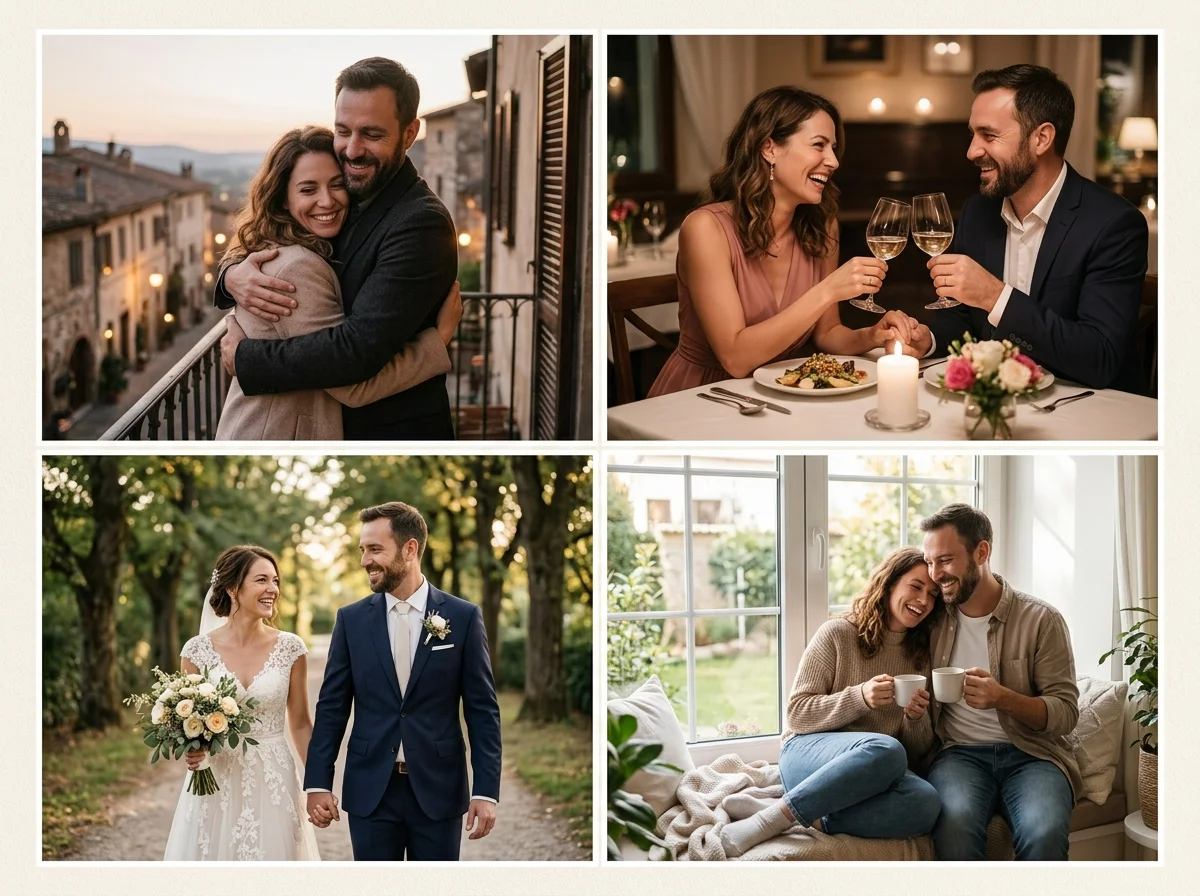
Zwangerschapslooks hebben zachte structuur nodig
Benadruk silhouet, handen-op-buikgebaren en zijprofielen met gelijkmatig huidlicht. Upload duidelijke ouderportretten; het model breidt garderobe en setting uit terwijl gelijkenis behouden blijft.
Koppelfotopakketten helpen wanneer partners samen in zwangerschapskaders moeten verschijnen — vergelijk beide voordat u een serie finaliseert.
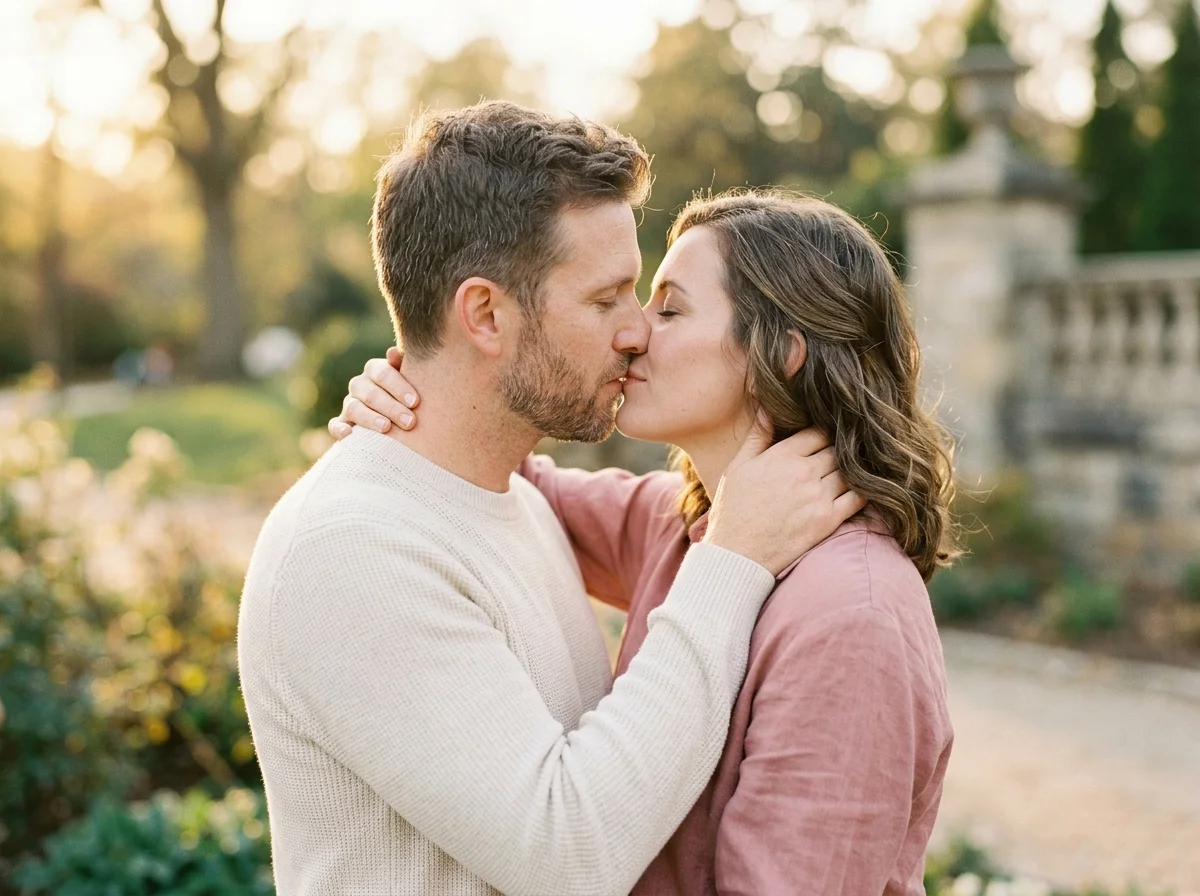
Tips voor zwangerschapsbronfoto's
Zijprofielen en driekwartshoeken tonen buikvorm zonder harde schaduwen. Losse kleding in bronfoto's geeft de AI meer stof om natuurlijk te vormen.
Houd achtergronden eenvoudig; drukke rommel concurreert met het onderwerp op aankondigingskaarten.
Zwangerschapsprompttaal
Probeer: «zacht zwangerschapsportret, zacht raamlicht, kalme glimlach, neutrale studiobackdrop, natuurlijke pose». Prioriteer comfortwoorden boven fashionjargon.
Zwangerschap vs baby vs koppel-pakketten
Zwangerschap verbindt koppelromantiek en baby-aandenkens. Ga naar babygenerator na geboorteaankondigingen; gebruik koppelfoto voor partner-inclusive lifestyle-kaders.
Zwangerschapsaankondigingen
Vierkante of portretstills voor social reveals met toestemming.
Kinderkamerwandkunst
Zachte tonen die bij wieg- en dekenpaletten passen.
Partnerinclusie
Combineer zwangerschapsprompts met koppelfotobronnen.
Seizoens mini-sessies
Wissel promptseizoenen zonder heropname.
Baby-pakketvoorbereiding
Stel kleurcorrectie in die u hergebruikt in newborn AI-stills.
How to Create AI zwangerschapsfotografie Images
Follow these steps in order. Change one variable at a time—source photo, ratio, or prompt—so you can see what actually improves your AI-zwangerschapsfotografie.
- 1
Upload ouderportret
Duidelijke, geautoriseerde volwassen foto met goed licht.
- 2
Selecteer zachte verhouding
4:5 voor aankondigingen; 1:1 voor profielstijl delen.
- 3
Beschrijf kalme stemming
Raamlicht, neutrale backdrop, natuurlijke handen.
- 4
Bekijk silhouet
Pas posewoorden aan als de buiklijn onnatuurlijk oogt.
Why Use AiKissGo for AI zwangerschapsfotografie?
Gezinsveilige toon
Prompts vermijden sensationele framing; beleid handhaaft volwassen autorisatie.
Cross-pakketcontinuïteit
Gekoppelde baby- en koppelgidsen bouwen consistente familieseries.
Privé delen standaard
Concept voor familiechat voordat u publiceert.
Praktische prompttips
Voorbeelden voor zacht licht, kalme poses en garderobewoorden die mislukte zwangerschapsrenders verminderen.
Gezins- en romantische pakketten bij zwangerschap
- BabygeneratorOpen de Babygenerator-gids om belichting, framing en promptideeën te vergelijken met zwangerschapsfotografie.
- KoppelfotoOpen de Koppelfoto-gids om belichting, framing en promptideeën te vergelijken met zwangerschapsfotografie.
- Romantische SceneOpen de Romantische Scene-gids om belichting, framing en promptideeën te vergelijken met zwangerschapsfotografie.
- LiefdessceneOpen de Liefdesscene-gids om belichting, framing en promptideeën te vergelijken met zwangerschapsfotografie.
- TrouwfotoBekijk hoe trouwfoto verschilt van zwangerschapsfotografie voordat u nog een beeldcredit besteedt.
- TrouwkaartBekijk hoe trouwkaart verschilt van zwangerschapsfotografie voordat u nog een beeldcredit besteedt.
Koppel- en gezinsvideohubs
- KoppelvideogeneratorZet sterke zwangerschapsfotografie-stills om in korte romantische beweging wanneer een foto alleen niet genoeg is.
- Trouwfoto-animatieAnimeer ceremonieportretten nadat u de still-look op deze pagina heeft vastgelegd.
- AI Kiss-videogeneratorVoeg smaakvolle lipcontactclips toe die passen bij koppel- of trouwfotopakketten.
- Romantische kusVerken kusstijl-videogidsen wanneer uw love-image-verhaal beweging nodig heeft.
Toestemming voor zwangerschapsafbeeldingen
Alleen aanstaande ouders — of volwassenen met wettelijke autoriteit — mogen verschijnen zonder expliciete toestemming. Contentbeleid, Privacy, Voorwaarden.
FAQ — AI zwangerschapsfotografie
Partner opnemen?
Ja — gebruik koppel-inclusive prompts of koppelfotobronnen.
Medische nauwkeurigheid?
AI-kunst is illustratief; niet voor medische documentatie.
Daarna newborn?
Open babygenerator met vergelijkbare kleurprompts.
Studio vs buiten?
Beschrijf beide; buiten gouden uur verzacht huid.
Kledingwissels?
Noem gebreide jurk, zachte badjas of casual shirt in prompts.
Publiek delen?
Bevestig comfortniveau voordat u zwangerschapsafbeeldingen post.
Watermerken?
Planafhankelijk; verifieer in werkruimte.
Meerdere kinderen?
Focus op één zwangerschapssubject per render voor helderheid.